
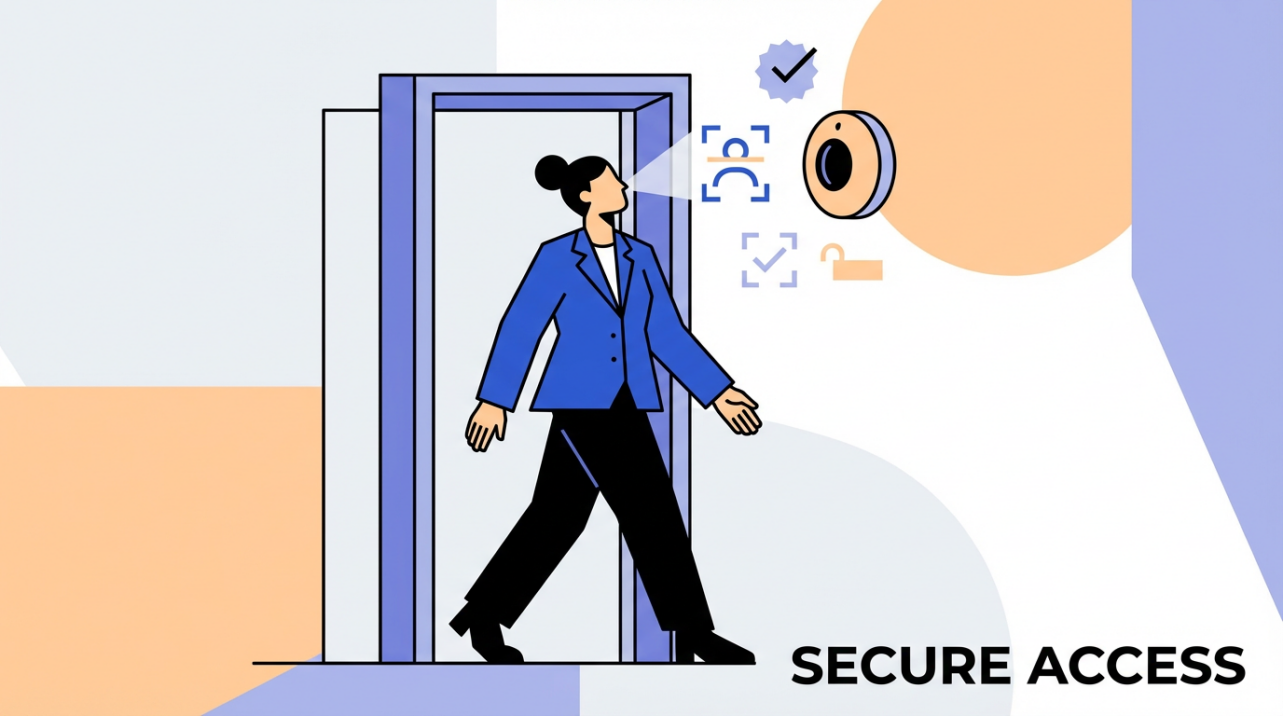
Biometric access control replaces fragile cards and PINs with quick face or fingerprint scans so staff can get through the door and onto the clock without delays, drama, or extra admin work.
In a biometric setup, a quick face or fingerprint scan takes the place of an easily forgotten keycard, so people can get in and clock in even when their badge is sitting on the kitchen counter. Done right, these systems cut morning chaos, tighten payroll accuracy, and reduce admin work without turning your workplace into a surveillance bunker.
You know that sinking feeling when the line of customers is growing, two employees are stuck outside, and your “quick” day starts with door buzzes and manual time fixes instead of revenue. Ten minutes here, fifteen minutes there, and suddenly your schedule, payroll, and mood are all off before 9:00 AM. With a simple scan-at-the-door setup, that drama becomes rare, your team starts on time, and the hours you pay finally match the hours actually worked.
Why Cards Fail Busy Teams
Keycards and PINs were never designed for the way small teams actually move through a day. People bounce between sites, step out to grab supplies, or switch shifts at odd hours. Cards get left in jackets, on counters, or in the wrong car. PINs get written on sticky notes or shared “just for today” when someone forgets their code.
Security and industry groups repeatedly point out how fragile those traditional credentials are. The Security Industry Association notes that roughly 60% of hacking incidents involve compromised passwords, and people juggle an average of about 85 different ones. That same human pattern shows up in your building: too many codes, too many cards, and way too many ways for them to be lost, stolen, or shared.
In physical workplaces, this has a direct operational cost. Every “I forgot my card” moment turns into someone leaving their post to open a door, a manager editing timesheets by hand, or a supervisor making judgment calls about when to round a shift start. In healthcare and multi-site environments, ICT highlights that staff moving between departments and locations are especially prone to credential issues, and biometrics are recommended precisely because there is “nothing to lose or forget.”
Even when cards do not go missing, they are easy to borrow. Koorsen Fire & Security calls out how biometric time and attendance systems help curb “buddy punching,” where one employee clocks in for another. That small favor between friends becomes a quiet leak in payroll accuracy and a fairness problem for the people who actually show up on time.
How Biometrics Turn Entry Into One Less Thing To Worry About
At its core, biometric access control checks who a person is by using something about their body or behavior, like a fingerprint, face, iris pattern, or voice, instead of what they know or carry. Sources such as Alpha Security, Gallagher Security, and Pavion all describe the same basic flow: enroll once, store a secure template, then match quick scans against that template at the door or clock within seconds.
For busy teams, this has two powerful consequences. First, there is no credential to bring or remember. ICT emphasizes that with no physical token, there is nothing to lose, and no constant reissuing of cards when staff join, leave, or simply misplace things. Second, it ties each entry or clock event to a specific human being, not a card that can float between pockets. Ark Systems and Koorsen both highlight how this one-to-one link strengthens security and time-and-attendance accuracy.
Face or Finger Instead of Plastic
In practice, most small businesses start with fingerprint or facial recognition because they are widely understood from smartphones and laptops. Safe and Sound Security, Avigilon, and ACRE Security all describe these as the workhorses of modern access control:
Method |
How it works in plain terms |
Best suited for |
Common friction |
Swipe/prox card |
Tap card near a reader to unlock or clock |
Very low-tech upgrades |
Easy to lose, share, or clone |
Fingerprint scan |
Touch or hover finger for a quick scan |
Offices, shops, light industrial |
Dirty, wet, or injured fingers |
Face recognition |
Look at a reader or app for a face match |
Front doors, hygiene-sensitive areas |
Changes in lighting, masks, or makeup |
Alpha Security and Gallagher note that the whole match usually completes in a few seconds. Mitek Systems, citing NIST testing, reports that modern facial recognition can reach accuracy in the 99%+ range under good conditions and false match rates as low as 0.0001% in ideal lab scenarios. Real life is messier, but the direction is clear: the technology is no longer the bottleneck.

For timekeeping, Koorsen points out that biometric clocks are now widely used to control clock-in and clock-out precisely and to reduce time fraud. Ark Systems and Safe and Sound both emphasize that every entry event is logged with who, when, and where, creating reliable audit trails that simplify payroll reviews and investigations.
Real Impact on Payroll Accuracy and Time Theft
When you tie access and attendance to a fingerprint or face, several payroll headaches shrink at once. Forgotten cards no longer block clock-ins, so you do not need to guess start times or fix missed punches after the fact. Buddy punching becomes far harder, because one person cannot “lend” a finger or face.
Identity Management Institute reports that business deployment of biometric authentication jumped from 27% to 79% in recent years, and most of those organizations pair it with two-factor authentication. TechDemocracy shares a healthcare example where unauthorized access incidents dropped by up to 68% after replacing password-based systems with modern biometrics. While that case focuses on data rather than time clocks, the same principle applies: once identity is strongly tied to a person, it is much harder to fake presence or access.
On the cost side, Bioqube.ai summarizes studies estimating around $70 as an average IT cost per password reset. Card resets are not identical, but if your admins spend fifteen minutes at a loaded hourly rate every time someone loses a badge or forgets a PIN, the math gets ugly fast. A modest operation with 30 employees and just two card emergencies a week can quietly burn thousands of dollars a year in lost time and rework.
What About Privacy and Safety of Biometric Data?
Privacy and security are the right questions to ask, and they are the questions your staff will ask you. Identity Management Institute stresses that biometric identifiers are immutable; you cannot change a fingerprint like you change a password. OVIC and One Beyond both describe biometric data as highly sensitive and call for strict controls over how it is collected, stored, used, and deleted.
Modern systems are designed to store templates, not raw photos or audio recordings. Mitek and Identity Management Institute both explain that these templates are mathematical representations that cannot simply be reverse engineered back into a face or voice. That does not make them harmless, but it does reduce the usefulness of stolen data when templates are properly encrypted and separated from other personal information.
The main risks fall into three buckets described by sources like Identity Management Institute, OVIC, and TechDemocracy. First, security breaches, where attackers target centralized biometric databases. Second, misuse or “function creep,” where data collected for door access quietly gets reused for extra monitoring or analytics without clear consent. Third, bias and accuracy issues, where some demographics experience more false rejections than others if the system is not trained on diverse data.
These same sources converge on similar safeguards. Encrypt biometric templates at rest and in transit. Favor local or edge storage where possible, for example on devices or smart cards, as recommended by the Security Industry Association, to avoid giant central honeypots. Limit use to clearly explained purposes, and define how long you keep data and when you delete it. Aware and TechDemocracy also urge buyers to select vendors whose algorithms are independently evaluated, including programs run by NIST, to spot demographic accuracy gaps.
For a small business, you do not need a legal textbook, but you do need a simple written policy: what you collect, why you collect it, who can see it, how long you keep it, and how employees can raise concerns. Treat it as seriously as you treat payroll data, and you are on the right track.

Choosing the Right Biometric Setup for a Small Business
The smartest rollouts start simple. Safe and Sound Security recommends integrating biometric readers with existing access systems, enrolling initial users, and performing thorough testing before going live. For most small teams, that translates into picking one critical door and one time clock or kiosk, then piloting with a single location or shift before scaling up.
Avigilon, Pavion, and ACRE Security all point to a few practical selection criteria that matter more than buzzwords. The first is ease of daily use; if your team wears gloves or handles wet materials, lean toward face recognition or advanced contactless fingerprint readers rather than basic touch sensors. The second is integration with the tools you already use, especially your time-and-attendance or payroll platform, to avoid manual data entry. The third is budget; fingerprint readers are typically cheaper than iris systems and are usually enough for retail, light industrial, and offices.
From there, focus on rollout basics rather than exotic features. Enroll employees during slow periods so they are not rushed, and capture more than one finger or a primary plus backup face image to hedge against injuries or appearance changes. Train supervisors on what to do if a sensor fails or a person cannot use the chosen method, for example offering a privacy-respecting alternative like a limited-use PIN with extra approval. Identity Management Institute and TechDemocracy both stress that fallback controls are essential to avoid lockouts and workflow breakdowns.
Finally, measure the impact. Before you deploy, track how many card-related issues, manual time edits, and access complaints you see in an average week. After your biometric pilot has run for a month or two, compare. Even without fancy dashboards, you will be able to tell whether “forgot-my-card” drama is now the exception instead of the daily soundtrack to your opening shift.
Pros and Cons for Forgetful Teams
When you look at biometrics through the lens of day-to-day operations, a clear pattern emerges.
On the benefit side, sources such as Alpha Security, Ark Systems, and Gallagher highlight that there are no cards to forget, lose, or lend, which directly cuts down on lockouts and card-related admin work. Koorsen and Safe and Sound point to improved time-and-attendance accuracy and better audit trails that make payroll disputes easier to resolve. Bioqube.ai and Mitek underline the broader reduction in password and credential fatigue, which shows up as fewer support tickets and smoother logins across the board.
On the risk side, Identity Management Institute, OVIC, and TechDemocracy remind us that biometric data is permanent and legally sensitive, that systems can still be spoofed if implemented poorly, and that cost and integration can be non-trivial, especially for very small sites. These are not reasons to avoid biometrics entirely, but they are reasons to be deliberate. Choosing vendors that support strong encryption, local storage options, multi-factor setups, and independent accuracy testing goes a long way toward turning those cons into manageable trade-offs.
FAQ
Will biometrics make staff feel constantly monitored?
It depends on how you design and explain the system. OVIC warns about function creep, where data collected for one purpose is quietly reused for tracking and monitoring. If you keep usage narrow—doors and time clocks only—and clearly state that you are not using face scans for ongoing surveillance, most teams accept biometrics as just a smarter key. Grounding the rollout in practical benefits employees feel, like shorter lines at clock-in and fewer card hassles, also improves trust.
What if an employee cannot or will not use a fingerprint or face scan?
OVIC and Identity Management Institute both recommend offering reasonable alternatives for people who cannot or do not want to enroll, whether due to medical, cultural, or personal reasons. That can be a separate card or PIN with extra checks, limited to specific doors or shifts, and monitored more closely. The key is to design the exception path upfront so supervisors are not improvising under pressure.
Is biometric access overkill for a team under 20 people?
Not necessarily. Many of the benefits that Alpha Security, Ark Systems, and Koorsen describe—no card chaos, fewer manual time edits, stronger assurance that the right person is on-site—show up even in small teams. The real question is where your pain is. If you rarely have access problems and your payroll corrections are minimal, biometrics might wait. If “Who has the spare card?” and “Can you fix my time again?” are constant refrains, a small, well-chosen biometric system can pay for itself in saved time and fewer headaches, even in a single-location shop.
In the end, the goal is not to chase shiny security toys; it is to get your people through the door, on the clock, and focused on work with as little friction as possible. For forgetful staff and overloaded managers, biometrics are not magic, but they are a very practical way to retire “forgot-my-card” panic and let you spend your attention where it actually earns you money.
References
- https://identitymanagementinstitute.org/biometric-authentication-benefits-and-risks/
- https://gca.isa.org/blog/5-benefits-of-implementing-biometric-authentication-in-cybersecurity
- https://www.securityindustry.org/2021/07/27/the-key-to-modern-access-control-how-biometric-solutions-can-offer-both-security-and-convenience/
- https://recordia.net/en/understanding-biometric-authentication-advantages-and-disadvantages/
- https://blog.hypr.com/what-is-biometric-authentication
- https://blog.koorsen.com/are-biometrics-the-pinnacle-of-access-control-systems
- https://www.acresecurity.com/blog/biometric-access-control
- https://www.avigilon.com/blog/biometric-access-control
- https://www.aware.com/implementing-biometrics-physical-access-control-blog/
- https://alphasecuritycorp.com.au/biometric-access-control-the-future-of-secure-entry-is-at-your-fingertips/


Share:
Phone as Key: Adapting Office Trends to the "Always-on-Phone" Generation
Office Design Trends 2026: Why Minimalism Rejects Bulky Time Clocks