
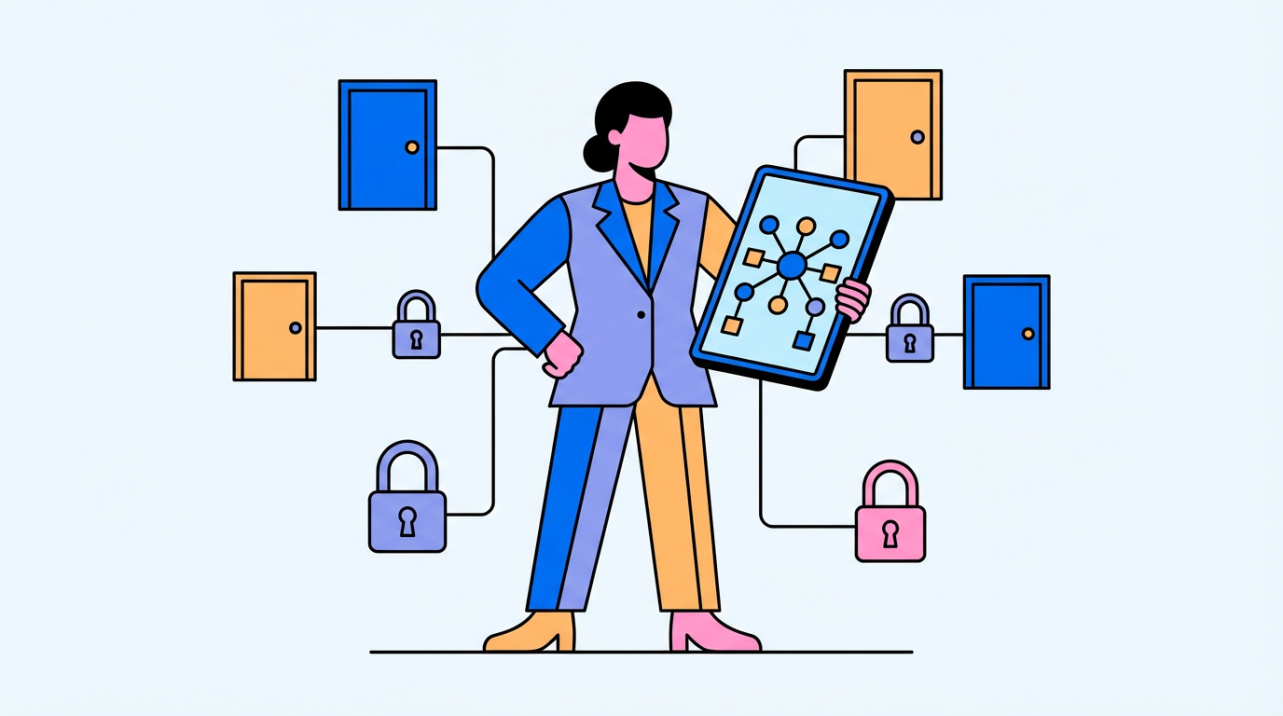
Pick standalone for small, stable sites and networked for multi-door or multi-site control where changes are frequent.
Standalone systems keep credentials at each door, while networked systems centralize control across doors and sites, changing how fast you can add or remove people and manage multiple locations. For small businesses, the best choice hinges on door count, staff turnover, and how much admin time you can afford each month.
What these systems actually do
Access control regulates who can enter or use resources, using an identification, authentication, and authorization workflow to enforce permissions. In physical systems, that means credential readers and controllers tied to locks, plus software that defines who gets in and when.
Credentials can be cards, PINs, or biometrics, and some setups use multi-factor combinations for higher-risk areas. From an operations view, the system is only as good as how quickly you can grant, revoke, and audit access when people change roles.
Standalone systems: simple, isolated, and low-overhead
Standalone access control means each access point is managed individually with no central platform.
Because these doors are not connected, they can offer lower cyber exposure than networked setups.
Good fit when you have 1–3 doors in a single location, want isolation for a high-security room or cabinet, can handle manual user updates at each door, and do not need integrations with cameras or alarms.
Example: A 3,000 sq ft workshop with two exterior doors and a parts cage can run standalone locks and keep daily admin to a few minutes, as long as staff changes are infrequent.
Networked systems: central control and integrations
Networked systems connect multiple doors to a central platform, so access changes happen once and apply everywhere.
They can also integrate with video surveillance and alarms for faster response when something goes wrong.
Operational wins include adding or removing users in bulk across doors, using one credential for multiple doors, monitoring activity across locations in one place, and tying access events to other security systems.
Example: If you manage eight doors across two sites and have three role changes a month, a centralized update replaces eight separate door edits and reduces the chance of a missed revocation.

Nuance: Standalone can add doors quickly, but admin effort still scales with every door and credential change.
Price logic and rollout plan for small businesses
Standalone systems generally carry lower install cost, while networked systems cost more upfront but can save time as your door count and user changes grow. Hardware is only part of the equation; wiring, controllers, software, and ongoing admin time often decide the real price.
Your build type also matters. Hard-wired systems are robust but harder to retrofit, while wireless setups are easier to add later but need gateways and careful network planning.
Start by counting doors and users today and 12 months out, then estimate how many adds and removes you do per month. Next decide whether remote management is a must-have, and match wired vs. wireless to your retrofit constraints.

If you expect growth or multi-site visibility, start with a networked-ready platform. If you are stable, single-site, and low-turnover, standalone can be the fastest path to controlled access without overbuying.


Share:
Retail Trends: Managing Chain Store Attendance with a Unified Cloud Platform
Analyzing the Safety of Biometrics in 2026 with the Rise of AI