
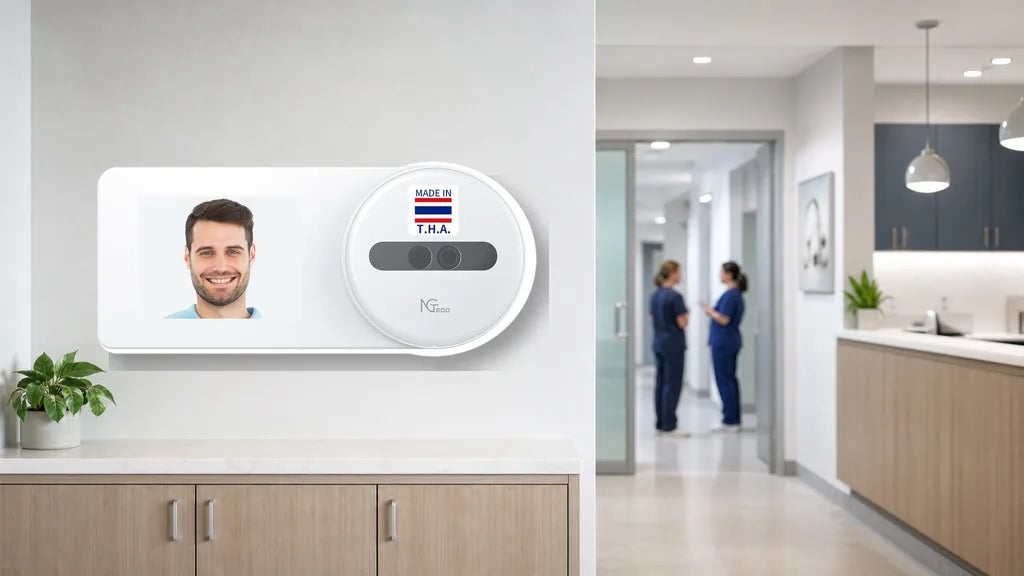
Gloved hands, back-to-back patients, and a front desk that never really closes make a standard punch clock a poor fit for healthcare settings. A time clock for clinic staff has to work around exam gloves, early and late shifts, and on-call coverage without adding one more thing for a busy team to manage. Here is what separates a clock built for this pace from one that slows everyone down.
Quick answer: Clinics need a clock that works without touching a shared sensor, handles gloves without a hitch, supports overnight and on-call shifts, and connects across every location you run.
Why Do Clinics Need a Different Kind of Time Clock?
A clinic runs on a different rhythm than a typical office. Staff move between exam rooms, the front desk, and back areas throughout the day, and gloves come on and off constantly between patients.
Hygiene matters here in a way it does not in most workplaces. A shared touchpad or a fingerprint scanner that many hands press throughout the day sits at odds with the same clean routines a clinic follows for everything else.
Add early shifts, late shifts, and on-call coverage into the mix, and staff are not clocking in on one simple, predictable schedule. A time clock for a dental office, a time clock for a medical office, or a time clock for a vet clinic all deal with the same core issue: paper sheets and shared PIN codes are neither sanitary nor reliable when shifts overlap, and staff rotate through them.


Why Does Touchless Face Recognition Fit Clinics Best?
Touchless face recognition tends to fit a clinic better than a fingerprint scanner, and the reasons line up with how a clinic runs day to day.
- Gloves block a fingerprint reader outright, and taking gloves off between patients to clock in wastes time patients are waiting on.
- A shared fingerprint sensor means every staff member presses the same spot all day, which does not match the hygiene standards a clinic holds everywhere else.
- Face recognition skips the touchpoint entirely, so staff clock in without a line forming at the machine or a delay from removing gloves.
Among NGTeco’s lineup, a touchless time clock for healthcare with face recognition narrows down to NG-TC5, MB1, TC1, or TC3, because these are the models built with a face sensor. NG-TC5 is the simplest of the four, built around face recognition alone without the extra recognition modes on the other models. The sizing and location guidance ahead centers on NG-TC5, TC1, and TC3, because these three sit on NGTeco’s cloud tier, while MB1 stays a solid single-site option outside that lineup.

What Size Time Clock Fits a Small Practice or a Multi-Doctor Clinic?
Your headcount points you toward the right model faster than any spec sheet.
| Clinic Size | Suggested Model | Key Capability |
|---|---|---|
| 1 to 5 people | NG-TC5 | Touchless face recognition only, sized for a small practice |
| 5 to 20 people | TC1 | Face recognition plus card and password options, with cloud access built in |
| 20+ people or multiple locations | TC3 | A touchscreen, room for up to 500 people, and a stronger dual-band connection |
On-call coverage and part-time fill-ins can push your headcount up on short notice. Leave some room in your estimate rather than sizing right to your current staff count, so a busy stretch does not push you past what the clock can handle.
How Should You Handle Shift Rotations and On-Call Staff?
Clinic employee time tracking gets more complex once early shifts, late shifts, and on-call coverage enter the picture, and your time clock should keep up without extra hassle.
- Shifts run past midnight for on-call staff, so an overnight-friendly clock matters here. NG-TC5, MB1, TC1, and TC3 all handle shifts that cross midnight, while the offline AS10 and AS10-B do not.
- Multiple roles clock in throughout the day, from the front desk to nursing to the doctors themselves, and a card option gives anyone who prefers a quick tap that choice. MB1, TC1, and TC3 all support card-based clock-ins alongside face recognition.
- Hours pile up differently across roles and shifts, so pull an hours report each month and check it against your schedule.

What Should You Do With Several Clinic Locations?
Running several clinic locations changes what you need from a time clock.
With a cloud-connected model, you can check who has clocked in at a second or third location right from your phone, without driving over or calling the front desk. Each site groups separately, so you see location A and location B as two separate views instead of one mixed list.
This works with NGTeco’s cloud-tier machines: TC1, TC3, and NG-TC5. The offline AS10 and AS10-B do not connect anywhere beyond the one device, and the app-based K4 and MB1 do not show cross-location data either. If checking on multiple locations matters to you, stick with the cloud-tier lineup.
How Do You Keep Clinic Records Accurate and Private?
Accurate records matter in a clinic, and a time clock can help without adding extra steps to your day.
Face recognition and other biometric methods confirm the person clocking in is who they say they are, which keeps the record straightforward and easy to check later. Every clock-in and clock-out saves automatically, so there is no paper sheet to lose or PIN code shared between coworkers.
On the cloud-tier models, that record travels through an encrypted connection built on AWS, keeping the data protected both on the machine and once it reaches the cloud.[web:17]
Which Time Clock Should You Choose for Your Clinic?
Matching your setup to your clinic comes down to two questions: how many people clock in, and how many locations you run.
- A small practice: NG-TC5 covers touchless face recognition without the extra recognition modes a bigger team might need.
- A standard clinic that wants remote access: TC1 adds card and password options along with cloud access, so you can check attendance without being on site.
- A bigger clinic or a multi-location practice: TC3 handles up to 500 people, works across several stations at once, and includes a stronger dual-band connection.[web:16]
Each of these runs as a one-time purchase, with no monthly fee attached to the cloud connection, and cloud data stays encrypted through AWS.[web:17][web:20] When you compare options for the best time clock for small business use, headcount and the number of locations you need to check usually decide the right fit.
Ready to Pick Your Clinic’s Time Clock?
Choosing a time clock for a clinic starts with solving the gloves-and-hygiene problem, and touchless face recognition handles that better than a shared fingerprint scanner. From there, match the model to your headcount, your shift patterns, and how many locations you run. NG-TC5, TC1, and TC3 cover a small practice, a standard clinic, and a bigger multi-location business. Compare the three side by side and pick the fit for your team.
FAQs
Q1: What’s the best touchless time clock for a clinic?
Face recognition is the touchless option that works best for a clinic. NG-TC5, MB1, TC1, and TC3 all include a face sensor, so staff clock in without touching a shared surface. NG-TC5 keeps things simple with face recognition alone.
Q2: How do medical staff clock in while wearing gloves?
Face recognition solves this directly, because it reads your face instead of your fingertips. There is no need to remove gloves or wait for a sensor to pick up a print through fabric or latex. NG-TC5, MB1, TC1, and TC3 all support this method.
Q3: Can one time clock cover multiple clinic locations?
Yes, with a cloud-connected model. TC1, TC3, and NG-TC5 let you check attendance at multiple locations from your phone, grouped by site. Offline and app-only models do not offer this.
Q4: How do I track rotating or on-call shifts?
Pull an hours report each month and check it against your schedule. Look for a model with overnight support, because on-call and rotating shifts often run past midnight. NG-TC5, MB1, TC1, and TC3 all handle overnight shifts.[web:26]
Q5: Is there a clinic time clock with no monthly fee?
Yes. NGTeco’s time clocks are a one-time purchase, and the cloud connection does not carry a monthly fee. That includes NG-TC5, TC1, and TC3, all of which support cloud access at no extra recurring cost.[web:17][web:20]


Share:
Best Time Clock for a Salon, Spa, or Barbershop (How to Choose)
Does a Time Clock Need a Battery? (When Backup Power Matters)