
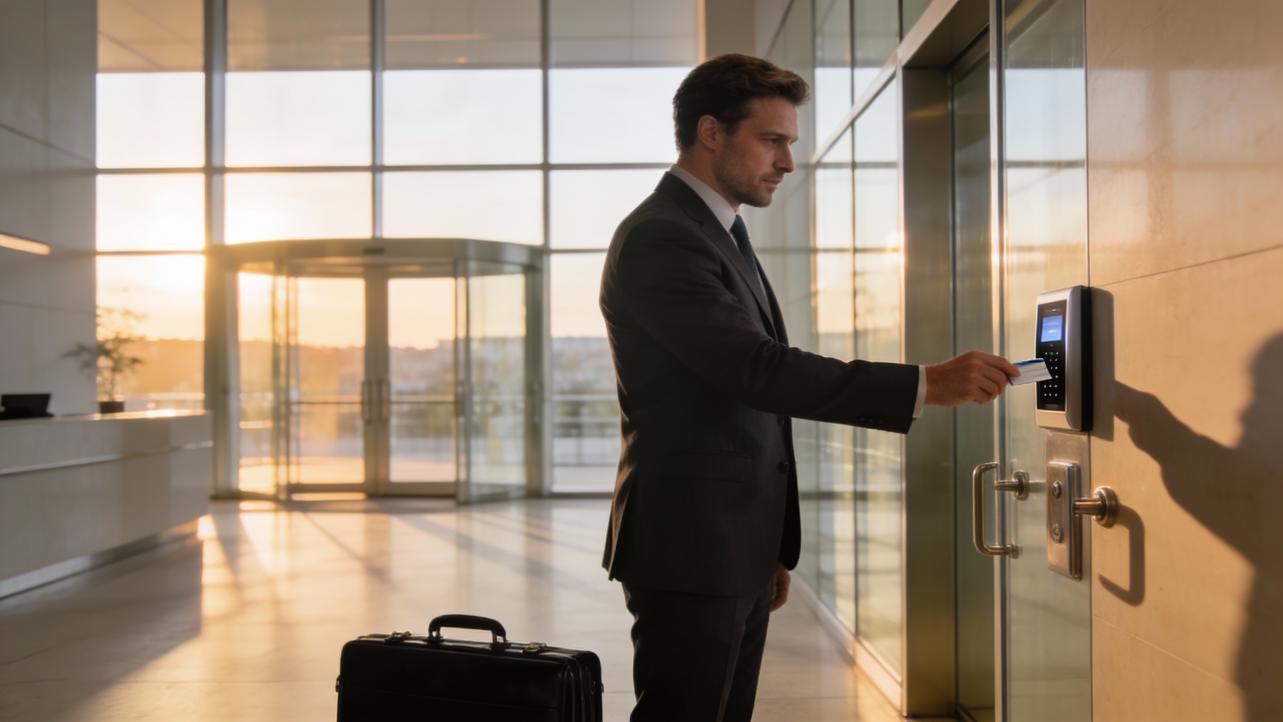
Do you still use paper timesheets or a punch clock? If you're in charge of a growing team, you know how frustrating it is when time cards get lost or calculations go wrong. This is why smart business owners switch to cloud-based time tracking systems. With a cloud time clock, you can monitor attendance in real time and don't have to worry about manual paperwork. Here's what you need to know.

Question 1: How Does a Cloud Time Clock Work?
Cloud technology is straightforward in practice: the machine on your wall captures clock-ins, but the data is stored online so you can view it whenever you want.
From Physical Punch to Secure Cloud Storage
Whether an employee uses a fingerprint, a face, or a badge to clock in, the machine records the event right away. The clock doesn't store that information locally. Instead, it uses your Wi-Fi to send the time to a private server. This transfer happens automatically, so you'll never need USB drives.
Access to Data in Real Time
The biggest benefit is instant visibility. You can open the NGTeco Office App and see who is on-site because the system sends data to the cloud. No matter where you are—at a meeting or from home—you can see your employees in real time. You can spot tardiness immediately, not weeks later during payroll.
Question 2: Can You Trust Cloud Security?
Security is a top priority for any business owner. However, cloud time clocks are often safer than physical records, which can be lost, stolen, or damaged.
Bank-Level Encryption Protects Your Data
High-quality clocks use advanced encryption similar to what banks use. The machine doesn't keep a picture of workers when they scan their faces. Instead, the system converts that scan into an encrypted, unique code. Hackers would not be able to turn this code back into a fingerprint picture even if they obtained it. This ensures your workers' privacy remains protected.
Data Safety and Compliance
Maintain compliance with labor regulations by using a cloud solution. Most cloud services have multiple copies of their data. The cloud protects your attendance data even if the power goes out in your office or the time clock breaks. You can access all your records from any device.
Question 3: Will It Work for My Workforce?
Whether your team works rotating shifts or flexible schedules, a good system handles both.
Connect On-Site and Remote Teams
Many modern businesses hire a variety of people. You may have warehouse workers on-site and administrative staff working remotely. A cloud-connected system solves this challenge. Teams that are on-site use the wall clock, while remote teams use the app on their phones. Since they both feed into the same database, you get a unified report.
Scale Up as You Grow
If you need to scale your team, a cloud time clock grows with you. Unlike physical card racks with limited capacity, the cloud has virtually unlimited space. It's a long-term solution—add new users instantly without purchasing new hardware.
Question 4: How Much Does It Really Cost?
This is often what makes the difference. Look beyond the hardware price when evaluating options. You should also think about the Total Cost of Ownership (TCO).
Stay Away from the Subscription Trap
"Software as a Service" (SaaS) is how most other providers do business. They charge per-user monthly fees while selling cheap hardware. For a small business, these fees accumulate rapidly and create a hidden cost that grows with your business.
Why NGTeco Is Better: There Are No Monthly Fees
NGTeco works differently. You can connect to the cloud with devices like the TC3 (Face Recognition) or TC1 without paying a regular fee. You own the machine. This pricing model saves you money that you can invest in your business.
ROI: Take Back Your Time
Consider your time's value, not just dollar savings. If you spend hours every pay period reading handwriting or typing data into Excel, you're losing money. A smart clock quickly pays for itself by reducing payroll processing to minutes.
Question 5: Does It Make My Admin Work Easier?
The flow from "hours worked" to "wages paid" needs to be seamless.
Export Payroll Data Instantly
The clock keeps track of the punches, but you need to send that information to payroll. With a good cloud clock, you can generate comprehensive reports instantly. Sort by department or date range and export directly to Excel or CSV. You can send this organized data directly to your accountant, eliminating manual data entry errors.
Spot Trends Early
Cloud reports help you identify patterns. Are some workers always late? Is there a lot of overtime on Fridays? When you have digital data at your fingertips, you can make smart choices about how to staff your business most effectively and keep labor costs low.
Important Things to Look For
Use this checklist to evaluate your options:
- Diverse Biometrics: Choose a system with flexible biometric options. Face recognition is touchless and hygienic; fingerprint reading is secure. The NGTeco TC3 offers both options.
- Offline Mode with Store-and-Forward: Make sure the clock has "Store and Forward" technology. If Wi-Fi goes down, the machine should store data locally and upload it immediately when connectivity is restored.
- Mobile Management App: The hardware is for your staff; the app is for you. Make sure the manufacturer provides an intuitive app (like NGTeco Time) that lets you manage users from your phone.
- No Required Monthly Fees: Check the pricing plan. Make sure that the deal you sign doesn't conceal costs through long-term subscription fees.
Pick the Right Solution
Eliminate manual errors, keep your data safe, and stop paying monthly fees. A cloud-connected time clock helps you reclaim your time so you can focus on growing your business instead of managing timesheets.
NGTeco delivers these benefits without subscription fees. Our TC3 and TC1 models offer cloud connectivity, biometric security, and offline mode—all with a one-time purchase. No monthly charges. No growth penalties. Just reliable time tracking that works for your business.


Share:
Is an Employee Time Clock a Sign of Distrust? Why It’s Actually About Fairness
NGTeco TC Series: Quick Start Software Setup & Registration Guide