
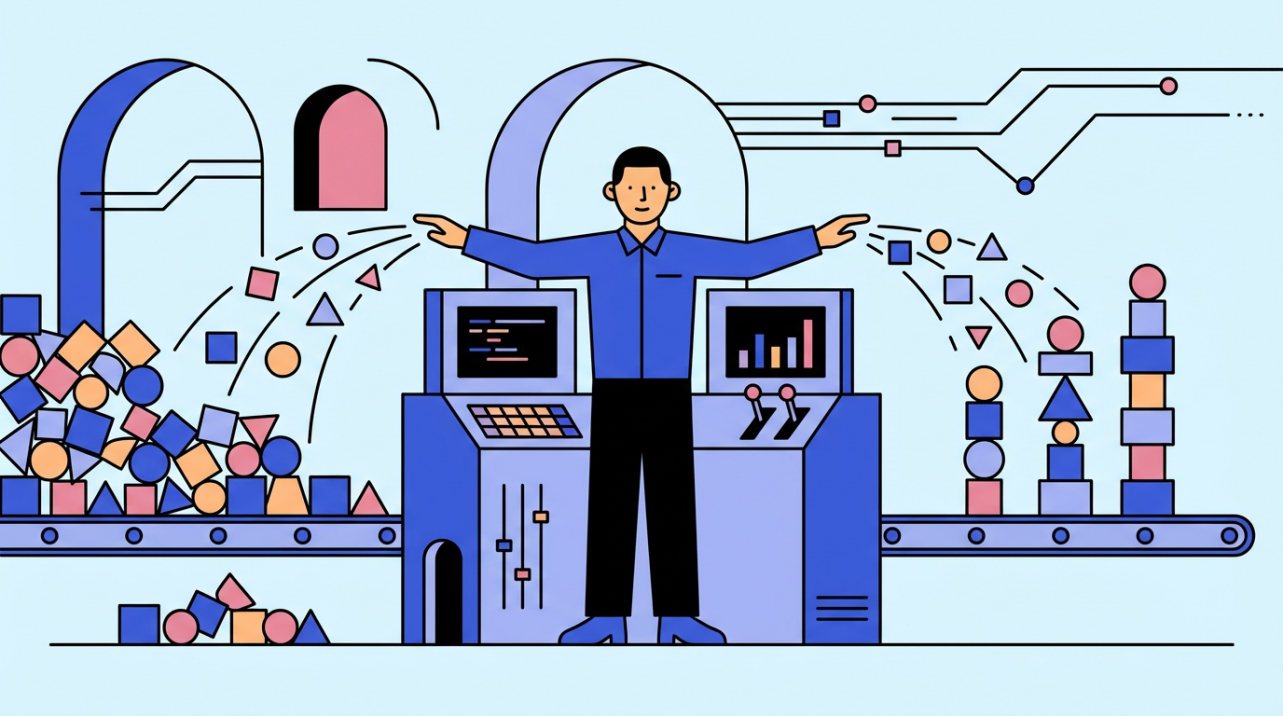
A practical guide to making the front desk an operations role that protects schedules, data quality, and payroll accuracy.
Does your lobby feel like a revolving door while the phone stacks up and the back office keeps chasing missing details? When check-ins and scheduling are standardized and supported by the right tools, the desk stops feeling chaotic and the information stays clean enough for accurate pay. This article offers a practical plan to turn reception into an operator role that saves time and prevents payroll surprises.
From Door Opener to Operator
The front desk is the first point of contact and administrative hub, so the quality of its data and decisions shapes the entire business. Picture a morning when a visitor arrives, the phone rings, and a delivery shows up; an operator keeps flow moving by capturing the right details once and routing each request to the right place.
Strong time management is the ability to plan and complete daily work efficiently, and that is the foundation of the operator shift. When the desk reserves a short planning window before the rush, it can spot schedule conflicts early and set expectations with visitors and staff.
Effective time management is a strategic approach to allocating time and resources, not just doing more tasks, and the 80/20 rule helps the desk focus on the small number of actions that prevent most downstream errors. In practice, that means protecting the few intake steps that keep payroll and billing clean instead of chasing every low-impact request.
Time Control at the Front Desk
The Big Three approach works at the front desk because it forces attention on the three highest-impact tasks each morning, such as confirming the day’s appointments, clearing overnight messages, and reconciling the schedule before the rush. The same source notes people check their phones about 96 times a day; if each check takes a minute, that is more than an hour and a half of drift that could have been used to serve visitors or clean up timecards.
A 25-minute focus block followed by a short break keeps follow-up calls and confirmation emails from bleeding across the day, and it builds a rhythm the rest of the team can trust. A short series of those focused intervals in the morning can make real progress on a backlog before walk-ins peak, which protects the payroll cutoff later.

Using a personal Kanban board with a hard limit on active work keeps the desk from juggling too many requests at once, which is when details get lost. Think of a receptionist who moves a request into the active column only when the previous one is finished; the visual cue reduces double bookings and keeps time data accurate.
Reception Ops That Protect Payroll Accuracy
Accurate payroll processing depends on clean inputs like hours worked, tax details, and authorized deductions, so front desk data discipline matters as much as the payroll run itself. When a timecard is missing a break or a start time, gross pay and withholdings are wrong, and the fix steals time from service and supervision.
Payroll accuracy doubts are widespread: nearly 60% of U.S. workers are confident in payroll accuracy, which implies about four in ten are not, and 32% of small business owners admit payroll mistakes. That trust gap is why operators document schedule changes and communicate corrections quickly, even when the error is small.

Weekly overtime typically starts after 40 hours and pays at 1.5 times the regular rate, so a late shift added at the desk changes overtime pay. A practical guardrail is confirming extra hours the same day the shift is added, so the pay run reflects reality instead of guesswork.
Automation and Training: The Right Tradeoffs
Standardized visitor check-in and tools like digital directories or kiosks create consistent messaging and can reduce staffing strain, which is the upside of automation. The tradeoff is that training demands grow with expansion and turnover, so operators need short scripts and refreshers to keep quality steady.
Electronic check-in and scheduling software cut paperwork, shorten check-in time, and improve data accuracy, which protects payroll downstream. For example, a quick digital verification at arrival prevents the end-of-week scramble to correct timesheets or contact details.
Inefficient workflows can cost companies up to 20% of productivity, making front-desk performance a real business risk. A practical fix is structured onboarding and regular reviews of metrics like scheduling accuracy and call handling time, which keeps improvement steady without micromanagement.
Delegation and Outsourcing Without Breaking Payroll
Delegation focuses leadership on core strengths and moves lower-value work off their plate, and the hourly-rate test makes the decision concrete. The example contrasts $250/hour leadership work with $25/hour admin tasks, a reminder that the operator role exists to protect the most valuable time.
A PEO partnership can take on payroll, benefits, compliance, and HR support while providing access to HR technology without upfront costs. When payroll and compliance are eating up high-value hours, shifting those tasks out frees the receptionist to run the desk as the operator of daily flow.
Treat the front desk as the nerve center, not the doorknob, and admin efficiency becomes predictable instead of chaotic. Put focused time blocks, clean data routines, and the right automation in place now, and 2026 becomes the year payroll accuracy and customer experience finally stay in sync.


Share:
Analyzing the Advantages of PoE Power Supply in Access Control Installation
First Step of Digital Transformation: Starting with Paperless Attendance