
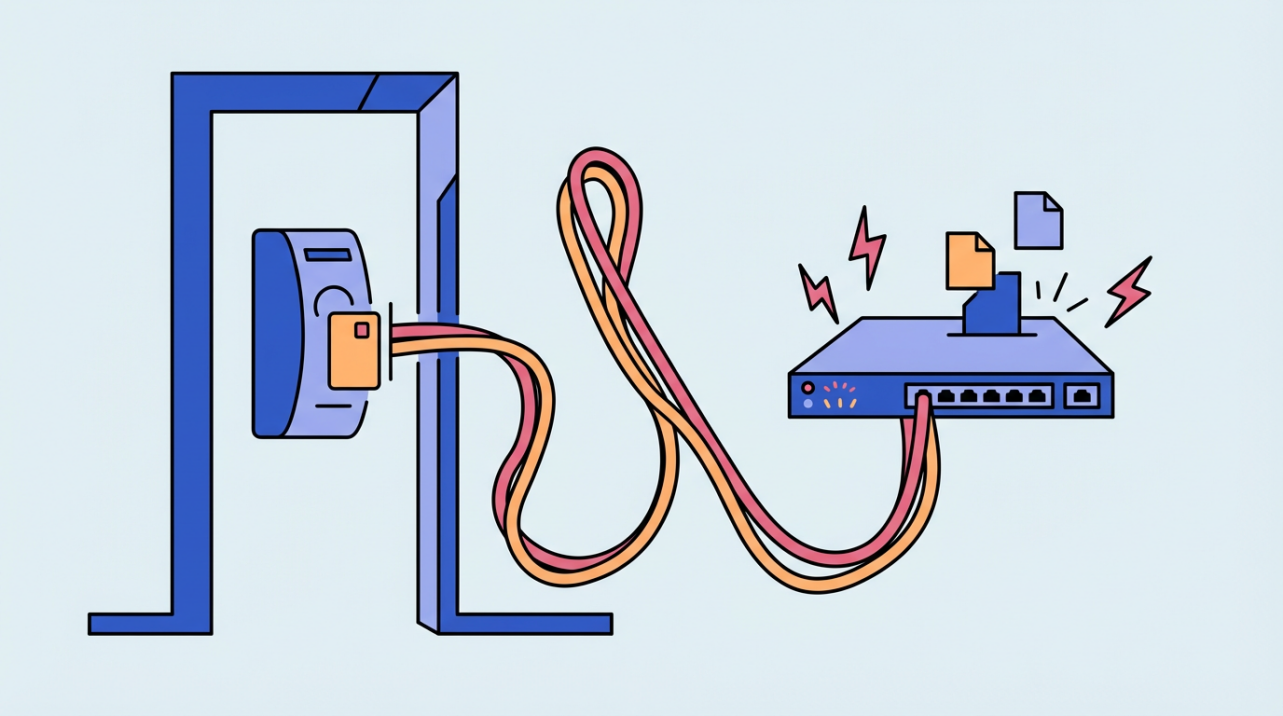
PoE simplifies access control installs by delivering power and data over one cable, but it requires careful power and distance planning.
Are you stuck waiting on an electrician just to power a door reader while staff overtime creeps up? Using one cable for power and data removes extra outlet work and reduces scheduling delays that drag out installs. This article explains how to judge fit, size power, and avoid mistakes that cause rework.
What PoE Means at the Door
Definition in plain terms
Power over Ethernet, or PoE, sends power and data over one cable, which is why readers, locks, and controllers can run without a local outlet power and data over one cable. In a small office, a single Cat6 run from the network closet can feed a door reader and controller in one pull, saving time and reducing coordination with electrical trades.
A PoE circuit includes power sourcing equipment (PSE), the cable, and the powered device (PD), so you can plan which gear lives in the closet and which sits at the door power sourcing equipment and powered device. On retrofits, that often means keeping the data switch and inserting a midspan injector between the switch and the door run.
PoE typically uses low-voltage DC with protections against overload or incorrect wiring, which makes service work safer and supports centralized backup power. When a reader gets swapped, you are not handling high-voltage lines, and the switch can sit on a UPS in the rack.

Advantages and Tradeoffs for Small Businesses
Time and labor savings
Running power and data on one cable reduces separate power cabling and installation cost, which shortens schedules and reduces handoffs between trades. On real installs, that can mean finishing more doors in a single visit, which keeps overtime from creeping into payroll.
Adding a new AC outlet can run about $185.00 per location, so six doors could add roughly $1,110.00 before you touch walls or ceilings. That back-of-the-envelope math gives you a fast sanity check when a landlord asks for a new entry point.
Flexibility and centralized resilience
Single-cable PoE makes device placement and repositioning easier in ceilings, parking lots, or outdoor posts. If a back entrance becomes a delivery door, moving a reader is a cable reroute rather than a new electrical permit.
Centralized power is a core benefit of PoE for access control, but the same system has power limits, cable-length constraints, and potential heat in cable bundles. That means you should leave breathing room in bundles and keep a margin in the switch power budget instead of planning right to the edge.
Power Planning That Prevents Callbacks
Match standards to device load
IEEE PoE standards set power levels from 802.3af at 15.4 W to 802.3bt Type 4 at 90 W, so the right class depends on what each door actually draws. If your door hardware needs more than 15.4 W, a Type 1 port will leave you short and create intermittent failures.
Read the fine print on power budgets
Some vendor lineups list Type 4 up to 100 W per port, which makes it essential to check both per-port limits and the switch total power budget. When specs differ, verify how the vendor defines port output versus device-available power before you order.
Budget the whole door
An 8-door system example totals 59.9 W across controllers, readers, and strikes, and available power at about 328 ft of Cat5e can be 60 W after cable drop. That leaves almost no headroom, so even a small accessory can push the system over budget.
Distance, cable quality, and safety
PoE is designed for runs up to about 328 ft, and longer distances typically need an extender or long-range switch. The same guidance favors active, standard PoE with negotiation and recommends Cat5e or better pure copper cable, which is a simple way to avoid mysterious voltage drops.
PoE applies power only after a device requests it, which keeps unused lines unpowered and safer during troubleshooting. That makes swapping a reader or testing a cable less risky than working with a live high-voltage circuit.
Install and Manage Access Control with PoE in Mind
Plan the door map and roles first
Access control installs go smoother when you define scope and label doors, calculate power needs, and follow a sequence of site assessment, wiring, configuration, testing, and training. On a three-door office, labeling staff-only versus public entries prevents wasted hardware and wasted time.
Align policy with hardware
Access control is the set of requirements governing who may enter a facility, so your hardware plan should mirror a clear access policy. A simple policy that limits the back office after hours can justify upgrading only that door to higher-power hardware.
Design for compliance and rework avoidance
Site surveys and cabling routes, alongside attention to building codes and privacy rules, reduce rework in modern installs. If a reader faces a public hallway, plan concealed runs and signage early so you do not have to re-pull cable later.
Keep credentials and egress clean
Regular credential reviews, prompt deactivation, and proper request-to-exit setup for maglocks protect day-to-day operations long after installation. When a staff member leaves, disabling access the same day prevents a weekend rework call.
Retrofits: injectors as a bridge
PoE injectors add power to existing non-PoE switches and are cost-effective for targeted upgrades compared with replacing the switch. If only two doors need power this quarter, a multi-port injector buys time while you plan a full switch refresh later.
Size PoE by the door, keep runs within range, and align access policy with the power budget to avoid install delays that ripple into payroll. Do the legwork up front and PoE becomes a steady, low-maintenance backbone instead of a recurring service call.


Share:
Server Room Access Maintenance: Preventing Dust from Affecting Precision Readers
First Step of Digital Transformation: Starting with Paperless Attendance