
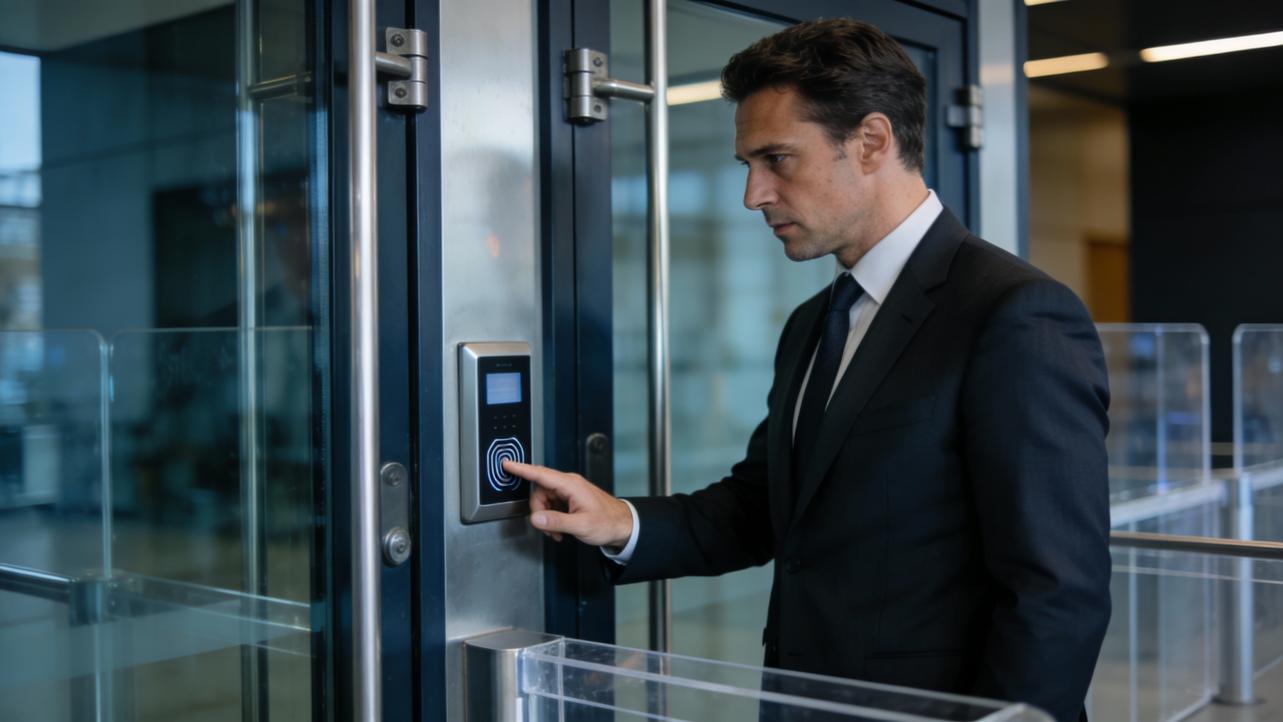
Summary: Biometric access replaces swipe cards and PINs with fingerprints or face scans so your team gets in fast, your time records are accurate, and payroll stops being a monthly firefight.
The Hidden Cost of Lost Cards and Buddy Punching
As an operations fixer for small businesses, I see the same pattern every week: someone forgot their card, someone else “helped” a coworker clock in, and you spend Friday reconciling messy timesheets.
Those “little” access issues add up fast. If a 15-person team burns just 3 minutes a day waiting at doors or chasing down card problems, that is 45 minutes of paid time gone daily. At $20.00 per hour, you are eating roughly $15.00 a day in pure friction — thousands of dollars a year.
Koorsen Fire & Security and Work Health Solutions both point out that card sharing and buddy punching are built-in flaws of traditional systems. Cards can be passed around, PINs can be written on sticky notes, and cameras are too time‑consuming to review for every dispute.
Biometrics attack that problem at the root by tying access and time events to the person, not to a piece of plastic.

How Biometric Access Works (In Plain English)
Biometric access control uses something you are — like a fingerprint, face, or iris — instead of something you carry or remember.
Here is the simple flow, backed by providers like BioConnect, Gallagher, and Acre Security:
- During enrollment, the system captures a scan and converts it into a secure template (a mathematical pattern, not a raw photo).
- At the door or time clock, the reader takes a new scan and compares it to the stored template in a fraction of a second.
- If it matches and the schedule allows it, the door opens and a time-and-attendance record is logged.
Because fingerprints and faces are hard to share or fake, unauthorized access and card-sharing drop sharply. Modern readers add “liveness detection,” described by BioConnect and Mitek, to detect fake fingers, printed faces, or masks.
You can use biometrics alone, or combine them with a card or PIN for higher-risk doors and sensitive areas.

Why Biometrics Clean Up Time and Payroll
For small businesses, the real magic is not just locking doors — it is cleaning up the data feeding payroll.
Sources like Spintly, Work Health Solutions, and Ping Identity highlight three big wins:
- No more buddy punching: Each clock event is tied to a unique biometric trait, not a card that can be shared.
- Cleaner timesheets: Every in/out is timestamped and exportable to your payroll or timekeeping system.
- Faster exception handling: When someone disputes overtime or a missed punch, you have precise logs instead of guesswork.
Let me be direct: if your system allows people to clock in for their friends, some of them will. Biometric time clocks close that loophole without turning the workplace into a police state.
Nuance: biometrics will give you accurate punches, but you still need clear policies on schedules, overtime approval, and how you handle late arrivals.

Tackling Real Concerns: Hygiene, Privacy, and Backup
The pushback I hear most often is, “What about hygiene and privacy?”
On hygiene, you have choices. Nortech and SafeTouch note that facial recognition, iris, or palm‑vein readers offer touchless access that works well for clinics, kitchens, and high-traffic lobbies. If you prefer fingerprint readers (often the cheapest option, as GetSafeAndSound and Koorsen observe), choose rugged sensors designed for busy environments and build in regular cleaning.
On privacy, Identity Management Institute, Mitek, and Aware all stress the same safeguards:
- Store encrypted templates, not raw images.
- Limit who can see access logs and for what purpose.
- Publish a short, plain-language notice explaining what you collect, why, and how long you keep it.
Finally, have a backup plan. Nortech and Creole Studios recommend keeping alternative methods — such as a temporary PIN, a supervisor override, or old-fashioned keys for power failures — so an injured finger or dead reader does not stop production.

A Simple Rollout Plan for Small Teams
You do not need a giant corporate budget to make this work. Here is a practical way to start:
- Identify your pain points Pick the one or two doors and time clocks that cause the most card issues, delays, or payroll disputes.
- Choose the right biometric and vendor For a small shop floor, a fingerprint reader may be enough; for a front lobby, touchless face scanners may be worth the extra spend. Make sure the system integrates with your current access control or time-and-attendance software.
- Pilot, then scale Run a 30‑day pilot with one door and one team. Train staff, review the access and time reports with payroll, and fix any policy gaps before you roll it out site‑wide.
Do this well, and “I forgot my card” stops being today’s emergency — and becomes a story you tell about how things used to be before you tightened up operations.
References
- https://identitymanagementinstitute.org/biometric-authentication-benefits-and-risks/
- https://blog.koorsen.com/are-biometrics-the-pinnacle-of-access-control-systems
- https://blog.nortechcontrol.com/integrating-biometric-access-control
- https://www.acresecurity.com/blog/biometric-access-control
- https://www.aware.com/implementing-biometrics-physical-access-control-blog/


Share:
Best Cloud Attendance Strategies for Managing Multi-Location Offices
Problem Solving for HR & Admin: A Fixer’s Playbook