
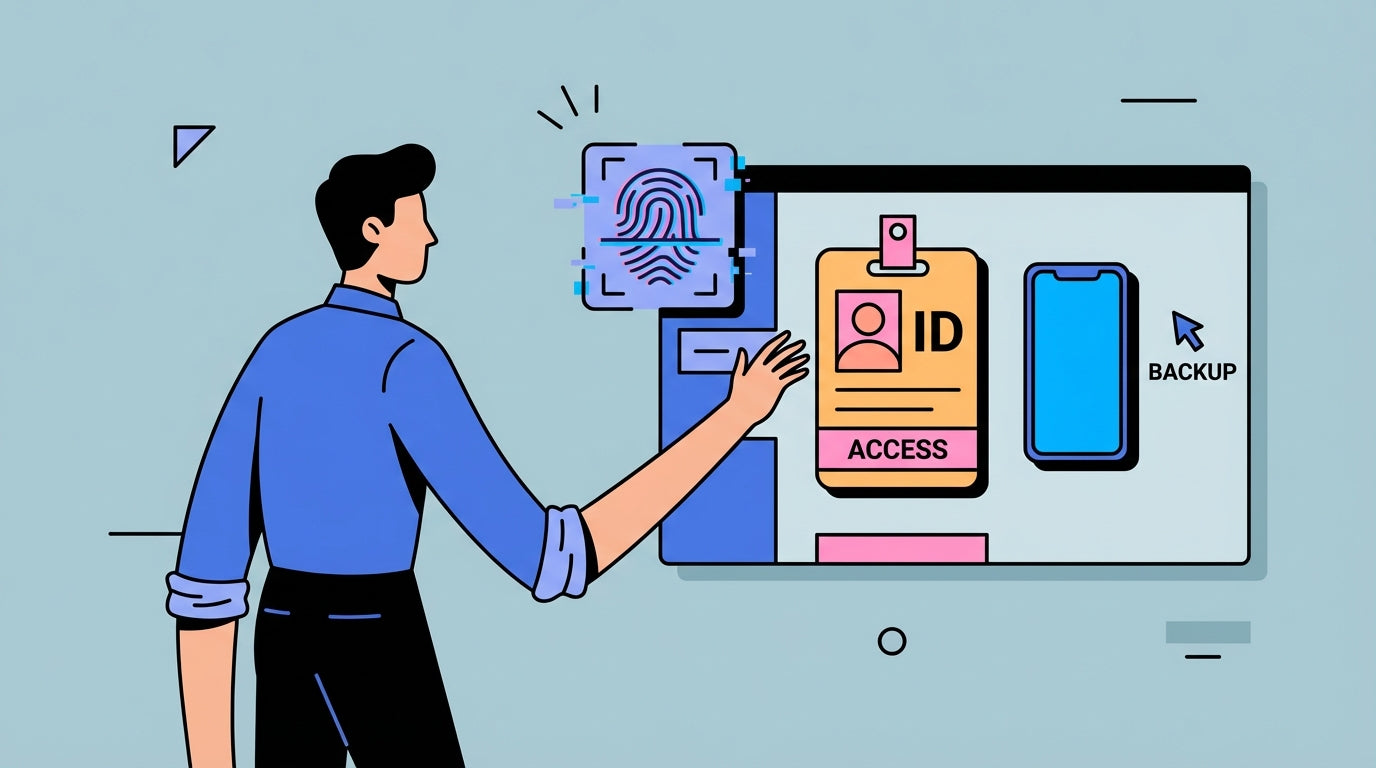
Reliable time data keeps payroll accurate, so you need a backup punch-in path when fingerprints fail. A small set of alternate clock-in methods plus a tight exception workflow usually fixes it.
Why fingerprint failures derail payroll
Peeling skin, gloves, sanitizer residue, and humidity can all break fingerprint scans. In dirty or dusty sites, fingerprint readers can also struggle, which turns routine clock-ins into bottlenecks.
When the clock fails, managers start chasing missed punches, and payroll starts guessing. That is where overpayments, underpayments, and employee frustration begin, especially if you rely on manual edits.
Backup punch-in options that keep you compliant
Use a mix of methods so one failure does not stop the line. The ways to track employee hours that work best in special cases usually include a physical device plus a cell phone fallback.
For peeling fingers, prioritize non-biometric methods such as badge or PIN, or switch to hand-geometry readers that do not depend on fine fingerprint detail. For gloves, wet hands, or sanitizer, a proximity card or kiosk PIN works better. For off-site field work, use a cell phone app with GPS plus supervisor attestation. For power or internet outages, keep a paper time card stack and enter it later with a manager signature.

Put a simple, auditable exception process in place
Backups only help if the correction trail is clean, so bake in verification procedures that make edits visible and reviewable. Keep the process short enough that managers actually use it.
You want a single path for special cases, with a reason code and a clear approval step. That protects payroll accuracy and keeps favoritism claims off your desk.
Exception workflow in 5 minutes:
- Employee reports the missed punch the same day with a brief reason.
- Manager confirms schedule and location, then approves.
- Payroll edits the entry with a reason code and timestamp, keeping the original.
- Employee confirms the correction on the next pay stub.
Reduce repeat issues and quantify the payoff
Track error rate, corrections per pay period, and the cost per fix using payroll accuracy metrics. The point is to turn a nagging problem into a number you can fix.
Using the common estimate of about $300.00 per correction, 10 fixes in a pay period is roughly $3,000.00 in avoidable cost. That is usually more than the price of adding a second clock or a cell phone backup option.
Close the loop with simple training and reminders at the clock, and keep a running list of employees who need a special-case method. Public data on fingerprint failure rates by industry is thin, so run a two-week pilot to measure your own fail rate before you buy hardware.


Share:
Time Attendance Only vs. All-in-One Access Device: Single Function or Integrated?
Onboarding in 2026: Plastic Card vs. Face Scan – Which Is Cooler?