
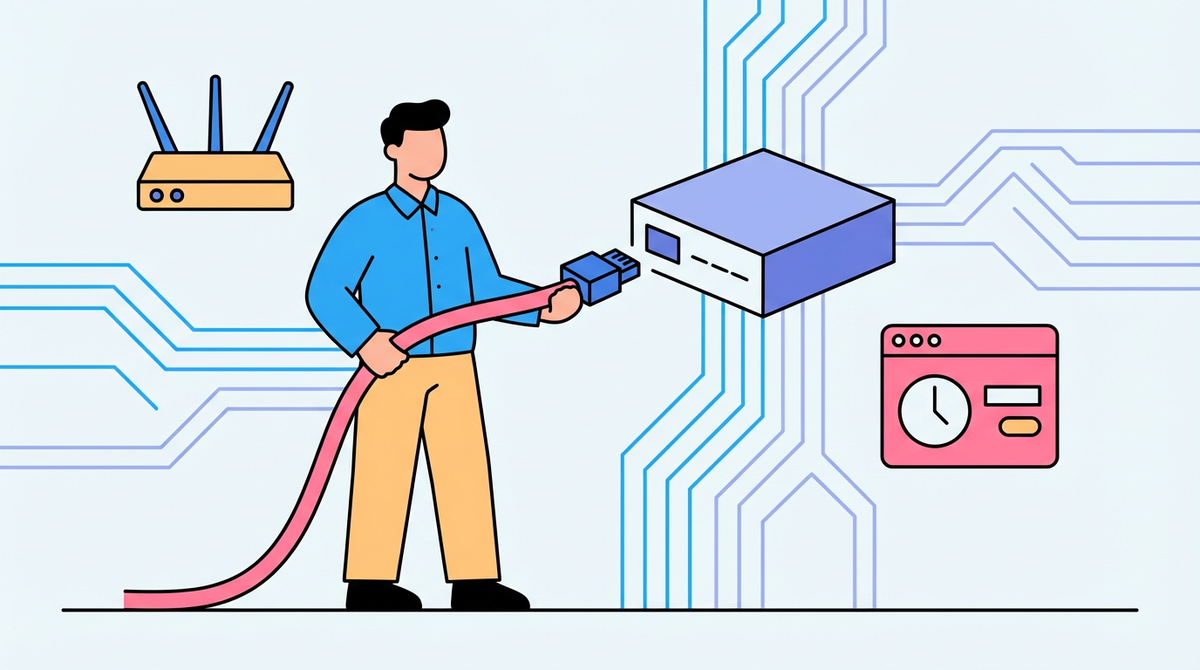
Learn when a static IP is needed for attendance clocks and how to set one without disrupting the network.
Assign a fixed network address to each attendance machine via a router reservation or manual settings so the payroll system always reaches the same device.
Does your time clock vanish from the software right after a weekend power flicker? Keeping its address steady stops the scramble and makes clock-ins pull reliably the same day you fix it. You'll get clear steps to lock it in without disrupting anything else.
Static vs dynamic addresses in plain terms
An IP address is a unique numeric identifier for a device, and a static address stays fixed while a dynamic one can change under automatic assignment. Those numbers often look like 192.168.2.1, so when a clock jumps to a different number after a reboot, the payroll app still pointing at the old one fails to connect.
Static IPs improve critical device reachability for other systems, which is why servers and business equipment often use them. If your attendance software polls the clock every hour, the stable address prevents gaps that lead to manual time corrections.
Do you need a public static IP or just a local one?
A fixed public address is most useful when people outside your building must reach your systems consistently, while routine browsing and cloud apps work fine on changing addresses. If the clock and payroll computer sit on the same LAN, a private fixed address is enough. If remote managers or a central office must reach the clock over the internet, a public static IP from the ISP becomes part of the plan.
Choose the right method: router reservation vs manual static
You can keep a device on a fixed address either with a router reservation or by manually entering the static values on the device. In a two-clock office, reservations centralize control so you do not have to touch every workstation when hardware changes.
A reservation creates a MAC address binding to a specific IP in the router, so it always receives the same number. When a clock fails, you rebind the new unit and the payroll system keeps pointing to the same address.

Approach |
Strengths |
Trade-offs |
Best fit |
Router reservation |
Central control in the router and easy replacement of devices |
Requires router access and tracking MAC addresses |
Small offices with a shared network |
Manual static on device |
No router changes needed for a single device |
Manual entry on each device and more touchpoints for changes |
One-off devices on simple LANs |
Step-by-step setup for a TCP/IP attendance machine
Gather the network values from a working device
Running ipconfig /all on a PC that is already online lets you capture the gateway and DNS values your network uses. That gives you the exact gateway and DNS to reuse on the clock so it can reach the same services.
Set the static address on the machine
Manual configuration means entering the IP address, subnet mask, default gateway, and DNS directly on the device. Use the fixed address you intend to keep and the gateway and DNS you captured so the clock talks to the rest of the network.

If you configure a host computer
A host computer can be set to a static address in adapter properties by opening Network and Sharing Center, changing adapter settings, and choosing the IPv4 Properties option to set a fixed IP. That path applies if your attendance terminal runs a desktop operating system or the host PC needs a fixed address for the clock connection.
Stability and security checks that keep payroll accurate
Static addressing makes firewall rules and access controls consistent, but it does not automatically make a system more secure. If a vendor needs access, allow only the specific addresses you trust instead of opening broad ports.
A fixed address is easier to identify and target, so pairing it with a VPN and regular updates lowers exposure. That keeps remote access available without advertising the clock to the wider internet.
A static address keeps a critical device consistently reachable, which is exactly what timekeeping needs to stay accurate every pay period. Document the address in your ops notes, and the clock stops being a moving target.


Share:
Time Attendance Only vs. All-in-One Access Device: Single Function or Integrated?
Onboarding in 2026: Plastic Card vs. Face Scan – Which Is Cooler?