
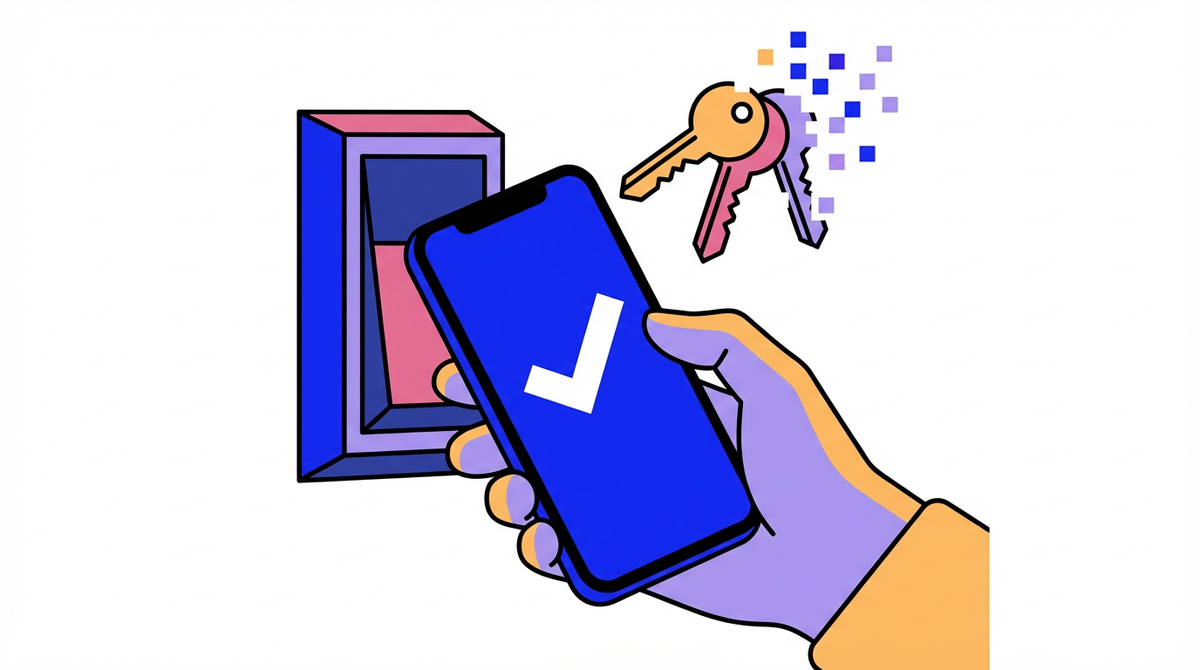
Phone-based access is poised to overtake keycards as adoption rises and smartphones are nearly universal. This guide covers the tradeoffs and a practical rollout plan that protects operations.
Ever had an opener waiting outside while a missing keycard triggers a scramble and a payroll correction? The cycle of printing, replacing, and tracking cards drains admin time that small teams cannot spare. You will get a practical path to decide if phone-based entry fits your operation, what tradeoffs to expect, and how to roll it out without disrupting shifts.
Why 2026 tips the scale away from keycards
A 2022 survey found 24% had switched and 42% planned to move to mobile credentials, and that momentum compounds quickly. Scaled to a 100‑company peer set, that is 24 already live and 42 queued up, which means vendor roadmaps and peer expectations will keep accelerating.
In 2023 there were 6.92 billion smartphone users worldwide, which makes device ubiquity a powerful tailwind. When almost everyone already carries the device, issuing access by email or app becomes the default, such as sending a credential to a contractor before a Monday install so the front desk is not a bottleneck.
Physical card programs still force staff to print cards and manage inventory, and that overhead hits daily operations. If your office manager has to stop what they are doing to reissue a badge at 7:30 AM, the opening routine slows down and the first shift feels it.
What mobile credentials are, in plain English
Mobile access control uses smartphones, smartwatches, or tablets as digital entry credentials instead of physical keys or cards, and the admin controls who gets what access. In practice, a manager assigns permissions, the user presents the credential at the door, and access is granted without a plastic handoff.
A physical access control system verifies identity and logs the entry, so it is more than a door opener. Those logs are what you want when you are reconciling a time dispute or validating who was on-site after hours.
How the phone talks to the door
Most modern setups rely on near-field communication (NFC) or low‑energy wireless (BLE), and the range difference matters for operations. NFC needs a tap within a few inches, while BLE can work from a few feet away, so a cash room might favor deliberate taps while a loading dock can stay hands‑free.
Method |
What it feels like |
Operational trade |
NFC |
Tap the cell phone close to the reader |
Short range for intent‑based entry and fewer accidental opens |
BLE |
Approach within a few feet |
Faster flow for hands‑full work but range needs careful tuning |
Pros, cons, and the operational trade
In day‑to‑day operations, faster provisioning and reduced re‑badging are the main upside. When a new hire starts midweek, access can be issued without waiting for a card print run, and that keeps supervisors focused on the floor.
Migration still demands real planning because it requires inventorying readers and integrations, plus compatibility checks and workflow planning for HR, visitors, and offline access. If your time clock depends on card IDs, you need a clean mapping so a digital credential does not break payroll audit trails.
Choosing the right system for a small business
Keyless systems come in cloud‑based, network‑based, and standalone forms, and the right choice is mostly about scale and agility. A three‑location retailer that hires seasonally benefits from cloud access so permissions change fast across all sites, while a single‑site shop with low turnover can stay on standalone hardware.
Cloud access control can centralize management, deliver instant alerts, and export logs, which matters when you run lean. That makes it easier to resolve a missed punch dispute by pulling entry logs without driving to the site.

Implementation roadmap that protects time and payroll
Start with a site readiness assessment that maps doors, sensitive zones, after‑hours paths, and user groups, and include operational requirements like muster, time and attendance, and visitor management. If your night cleaners use a side entrance, that path has to be in the plan or you will create a timekeeping blind spot.
Plan the migration around phased pilots and parallel systems before you scale, along with integration testing and clear KPIs. A single‑site pilot with backup cards keeps doors moving while support staff learns the new workflows.
Security and policy guardrails
Mobile credentials are harder to clone and revoke remotely, and they are less likely to be lost or lent when tied to a personal device. If a phone disappears on a Friday night, you cut off access immediately instead of chasing a missing badge through the weekend.

A tight policy should cover lost and replacement rules and MFA, along with credential protection and support procedures that stop workarounds. When a phone battery dies at shift change, staff should know the backup path so access and time records stay clean.
Keycards are not gone yet, but the operational math is moving against them. If you want fewer access headaches and cleaner time records in 2026, start now with a readiness assessment and a small pilot that proves the fit.


Share:
Rising Cloud SLA Standards: New Uptime Demands for Access Systems in 2026
Law Firm Access Security: Ensuring Client Confidentiality in 2026