
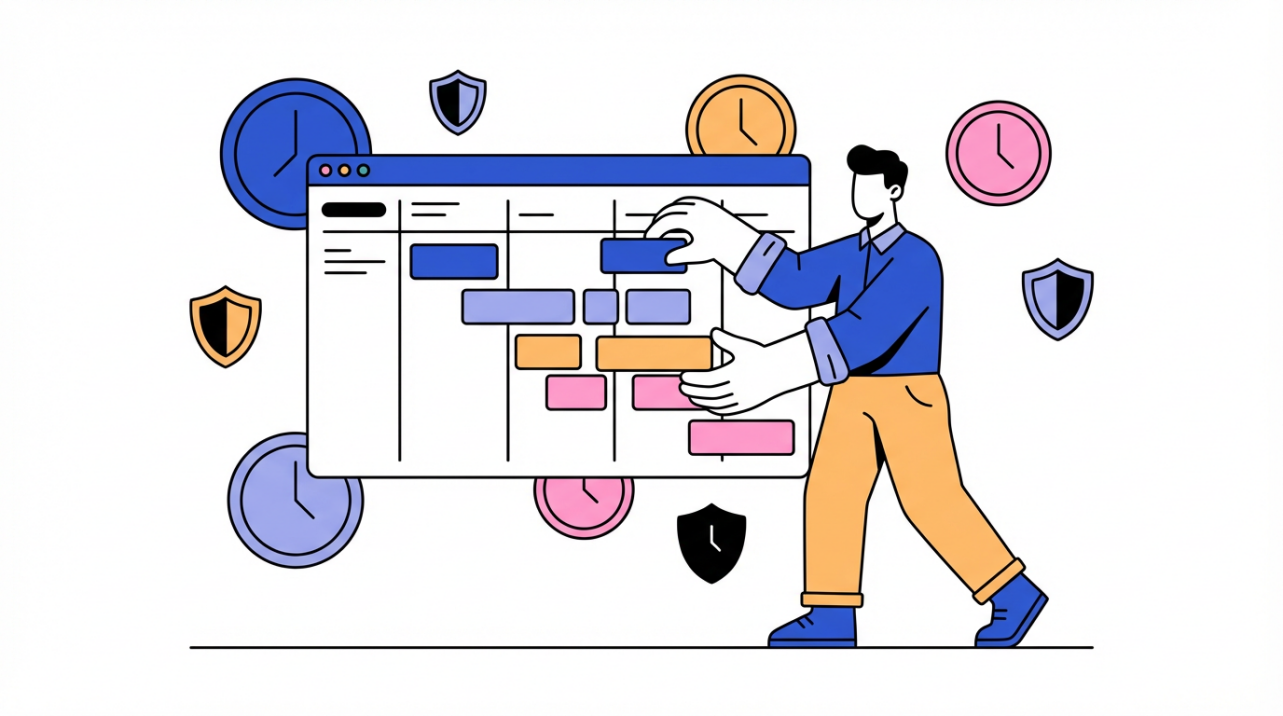
Real-time attendance turns time data into fast payroll and staffing decisions for small teams.
Ever stayed late on a Friday chasing missing timecards while payroll waits? Live time updates flag missing punches the same day so you fix them before pay goes out. You will get plain-language definitions, a hard-nosed business case, and a setup plan that fits a small team.
Real-time attendance in plain language
What manual exports really are
Manual payroll and attendance often means spreadsheets, paper logs, or punch cards that require someone to calculate hours and retype data. Manual exports are the extra step of moving those hours into payroll by hand, and that is where delays and small mistakes pile up.
What real-time attendance adds
Time and attendance management tracks employee hours, breaks, and absences, which gives payroll the right inputs and gives managers a live view of who is working. In a busy storefront, that live view means you can see a gap at 9:05 AM and pull in a backup before the line builds.
Real-time tools can detect missed punches and timecard errors so a supervisor can fix a 2:00 PM missed punch before the day ends. That simple same-day fix is the difference between a calm payroll run and a Friday night scramble.
The business value you can measure
Accuracy and payroll dollars
Businesses can lose up to 7% of gross payroll from time-tracking issues, so a $500,000 annual payroll can leak about $35,000. That quick calculation makes the cost of manual exports concrete for most owners.
Industry estimates suggest timecard preparation and payroll processing can have error rates as high as 8%, which is why daily visibility beats end-of-week cleanup.
Manual payroll also creates disputes and frustration when pay is late or wrong, and that tension shows up fast in a small team. If one employee is shorted even a single hour, you lose time chasing corrections and confidence while the rest of the team watches.
Connected time and payroll systems reduce manual re-entry, so approvals become a quick review instead of a full rebuild. When hours flow straight into payroll, a 40-hour week does not become 38.5 because someone mistyped.

Service and staffing stability
Attendance data supports staffing that reduces overstaffing or understaffing while keeping service steady. If Friday afternoons are consistently busier than Tuesdays, the data lets you shift one person instead of paying surprise overtime.
A university veterinary hospital using scheduling software saved 15 hours per week and cut tracking mistakes by 50%, which is a real-world reminder that clean time data pays back in manager hours.
Rolling it out without chaos
Start with policies people can follow
Clear attendance rules for clock-ins, breaks, and overtime reduce disputes and build trust in the numbers. When a cafe defines a 5-minute grace window and consistent break rules, managers stop debating timecards and focus on service.
Role-based rules and instant alerts keep feedback close to the behavior, which helps people correct issues while the shift is still fresh. A field tech can clock in only inside an approved boundary while office staff use a desktop punch, and both get a same-day alert if a punch is missing.
Choose tech that fits how you work
Modern systems range from mobile apps to clock-in terminals and access-control logs, and ease of use plus scalability should guide the choice. A single-location bakery can do well with a simple wall terminal, while a two-crew service business needs phone-based punches with location checks.

Regular audits and training catch errors early and deter time theft, which keeps small issues from snowballing into payroll surprises. A monthly review of missed breaks and overtime trends gives you an early warning before the next pay run.
Pros and tradeoffs in practice
The biggest gains show up when teams pair the software with daily supervisor check-ins, because the upside is fewer corrections and steadier pay while the tradeoff is the discipline to keep policies current and timecards tidy.
Say goodbye to manual exports by making time data live, verified, and connected to payroll. Do that, and payroll stops being a fire drill and becomes a predictable weekly rhythm.


Share:
To CFOs: How Cloud Attendance Systems Save Money by Reducing Errors
How to Enable Scan-to-Book and Auto-Unlock for Shared Meeting Rooms