
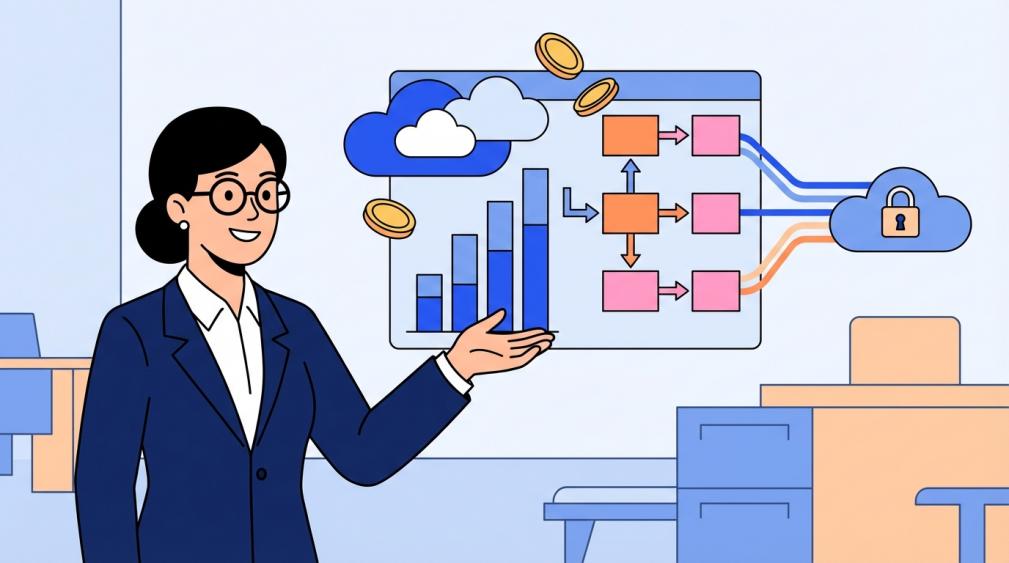
Cloud attendance systems cut payroll errors by capturing time accurately and syncing approvals into payroll before mistakes spread.
Is payroll week still a scramble because the hours on timecards don’t match what managers approved or what employees expect? Teams that replace manual timecards with automated tracking often cut payroll processing errors by more than half. You get a clear, practical path to reduce mistakes, control labor costs, and keep trust intact.
The hidden cost of small time mistakes
Accurate time and attendance tracking is the backbone of payroll, so a single bad clock-in or missed approval can ripple into pay, taxes, and trust. In payroll audits, the biggest leak is small, repeated discrepancies that no one owns rather than a single catastrophic error.
Time theft and buddy punching quietly eat budgets; estimates put the loss at about 20% of every dollar earned by US companies. On a $2,000,000 annual payroll, that equates to $400,000 in avoidable cost before you even factor in penalties or rework.
Payroll tax errors create another drain, with unpaid payroll taxes accounting for about $72 billion of the US tax gap. When mistakes trigger back taxes or interest, finance loses time that could have been spent on forecasting or cash planning.
What a cloud attendance system does in practice
A cloud-based attendance system lets employees clock in from connected devices and gives managers real-time visibility into who is working, late, or absent. For a CFO overseeing multiple locations, that same-day visibility can resolve a missing punch before payroll closes, not after the check run.
Designed for coordination, not policing
Modern attendance tools that emphasize coordination are built to reduce friction, with features like presence views and geofencing positioned as convenience rather than surveillance. A field crew arriving at a job site can be clocked in automatically, which prevents missed punches without adding admin work.
Integration options matter because attendance system integrations often include APIs or plugins that connect time data to HR, accounting, and project tools. When hours flow straight into payroll and job-costing, the labor numbers on your P&L align with what actually happened on the floor.
Where the money is saved
Benchmarks as high as 80% error reduction are often cited when payroll calculations are automated. If your team fixes 50 payroll errors per cycle, cutting 80% removes about 40 corrections and the rework time that goes with them.
A reported 58% reduction in payroll processing errors follows when companies move away from manual tracking. That kind of shift typically shortens the approval window and reduces the number of off-cycle checks.
Overtime is where small errors become wage exposure; overtime must be paid at 1.5x and often includes more pay types than people realize. If an employee earns $22.00 per hour and works 45 hours, five overtime hours add $165.00, and missing that line item becomes both an underpayment and a compliance risk.

Governance that keeps savings from fading
A pre-payroll audit reviews timesheets, deductions, and employee data before the pay run, and regular audits are associated with a 35% reduction in discrepancies. In practice, this is where a mismatched pay rate or a missing deduction gets fixed before it becomes a retro check.
Strong payroll internal controls separate data entry, review, and approval so one person cannot change hours and release pay without a second look. In lean teams, role-based permissions and documented approvals create the same effect without adding headcount.

Regulatory change and remote work keep payroll complex, so cloud payroll platforms that deliver real-time updates reduce the risk of using outdated rules across locations. If a remote employee moves across state lines, the right system updates withholding before the next pay run rather than after a correction cycle.
Implementation path a CFO can defend
A disciplined implementation plan sets milestones like payroll file handoff dates, device delivery, training schedules, and clear task ownership. This keeps the project from colliding with close or year-end activities when bandwidth is tight.
Run a parallel payroll for one pay period so the old and new systems can be reconciled side by side; a single location pilot often exposes missed punches, approval delays, or policy gaps before they scale across the company.
Connection method matters because API or plugin connections determine how smoothly attendance flows into payroll, accounting, and job-cost reporting. If your accounting team relies on job codes, validate that those fields map cleanly from time entry to the general ledger.
Pros and tradeoffs to weigh
The most visible upside is speed and accuracy; cloud attendance reduces admin effort with real-time dashboards, self-service corrections, and subscription scale that avoids on-site servers. That means fewer end-of-period surprises and faster approvals before payroll locks.
Trust rises when systems framed as coordination lead the rollout, while tools that feel like surveillance hurt adoption. If leaders explain that location verification prevents missed punches and protects pay accuracy, employees are more likely to use mobile clock-ins correctly.
Security controls are non-negotiable; role-based permissions and audit logs protect sensitive pay data and document who changed what and why. That proof matters when a pay rate change is questioned after payday.
Metrics to put on the CFO dashboard
Monthly or quarterly reviews are widely recommended for time and attendance data, and routine audits catch errors early. If your error rate is 3% of checks today, aim for under 1% within two cycles and track how many fixes happen before payday rather than after.
Cloud attendance systems pay off when they turn messy time data into clean payroll on the first run. Get the data capture and approvals right, and the savings show up in lower rework, fewer penalties, and calmer payroll weeks.


Share:
To CEOs: Why Upgrading Access Control Is a Strategic Investment, Not an Expense
How to Enable Scan-to-Book and Auto-Unlock for Shared Meeting Rooms