
Summary: The best access control in a coworking space is a simple, integrated system that keeps the wrong people out, lets the right people in with minimal friction, and quietly automates a big chunk of your daily operations.
Start With Risks, Roles, and Schedules
Before you touch hardware, decide what you’re actually protecting and from whom. Coworking spaces juggle 24/7 access, high visitor traffic, deliveries, and shared equipment, as ButterflyMX and Flex both highlight. That’s a lot of moving parts.
Map your space into zones: front door and lobby, open coworking, meeting rooms, private offices, storage/IT, and parking or garage. Then map who should reach what: members, part‑timers, day pass users, staff, cleaners, and vendors.
Acre Security and CISSPrep-style best practice is role-based access with least privilege: members get what their plan requires, nothing more; staff get what their job needs, not “master keys” to everything. For fractional or time‑shared offices, Kisi recommends adding time windows to those roles so access follows the schedule, not good intentions.
Quick starting checklist:
- List your roles (member tiers, staff, vendors, cleaners)
- List your zones (doors, floors, rooms, equipment areas, parking)
- Define allowed times per role/zone pair
Do this right and every later decision—cards vs phones, turnstiles vs simple doors—gets a lot easier.

Pick Credentials That Match Real Behavior
Different methods come with different headaches. Avigilon and IFSECGlobal outline the tradeoffs clearly:
- PIN keypads are cheap and familiar, but codes get shared, worn into the buttons, and never truly rotated.
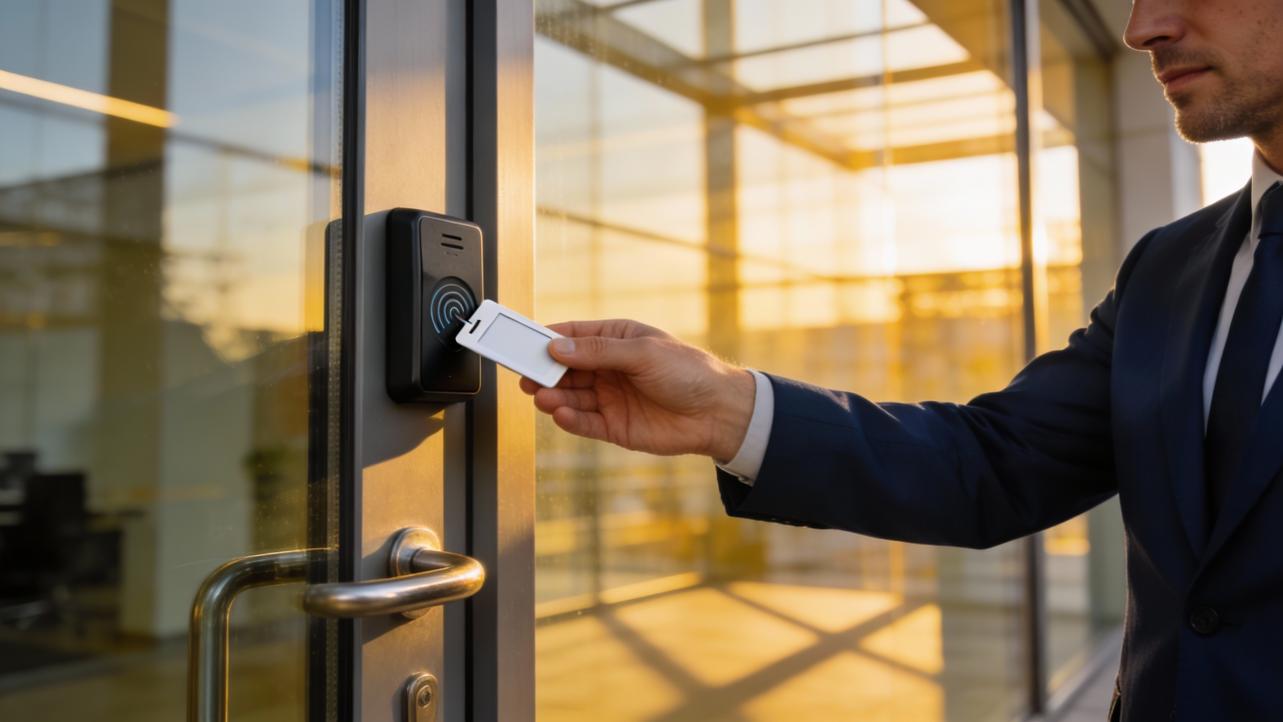
- RFID cards and fobs are the coworking workhorse: easy to issue and revoke, simple to use, and well supported by systems like Kisi, SALTO, and most modern controllers.
- Mobile credentials on smartphones feel slick and are heavily promoted by SALTO, IFSECGlobal, and many coworking platforms, but Spacebring warns about dead batteries, Bluetooth lag, and user frustration if the tech isn’t rock solid.
- Biometrics shine for high-security rooms (server closets, records rooms) as Avigilon notes, but they’re overkill for the front door and create privacy and enrollment overhead.
A practical pattern for most spaces:
- Use RFID cards or fobs as your baseline credential
- Offer mobile access as a convenience, not the only option
- Reserve biometrics (if any) for truly sensitive doors
- Keep PINs as a backup, not the primary method
Nuance: some vendors push “phone-only” access, while others like Spacebring strongly discourage it; pilot with a subset of members before you bet the whole operation on smartphones.
Make the System Do the Admin Work, Not Your Staff
Done right, access control is a silent operations assistant, not another dashboard to babysit. SALTO, Coworks, Optix, and Proximity all stress the same point: integrate access with your workspace and HR systems so rules manage themselves.
Examples that pay off fast:
- Membership changes: when a plan upgrades, downgrades, or cancels, door rights update automatically—no manual key runs
- Bookings: meeting room doors only open for paid, active bookings, as SALTO, Spacebring, and Proximity recommend, which cuts disputes and frees staff from policing rooms
- Visitors: Coworks-style integrations issue temporary, time‑boxed access for day passes and guests, creating a polished first impression and better sales funnel data
- Staff and vendors: cleaners, IT, and maintenance get scheduled access windows, and you use logs (as SSSCamera notes) to verify time on-site against payroll or vendor invoices
If you’re still manually changing codes or handing out keys, you’re burning hours. Even saving 20 minutes a day on access tweaks adds up to about 7 staff hours a month you can redirect toward sales, community, or operations improvements.

Treat Access Control as an Ongoing Process
Most breaches in coworking aren’t “elite hackers” – they’re tailgating, shared badges, and “we never turned off that card.” IFSECGlobal, SSP, and SSSCamera all emphasize governance, not just gadgets.
Build a simple operating rhythm:
- Review logs weekly for odd patterns (late‑night access, repeated denied entries)
- Run quarterly access audits: remove old members, ex‑staff, and stale guest credentials
- Update roles and zones when you reconfigure space or launch new membership tiers
- Train staff and members to avoid sharing credentials and to challenge obvious tailgating politely
ButterflyMX and Proximity highlight how strong audit trails and video integration speed up incident response. When something goes missing, you want to know exactly who unlocked which door and when, not guess.
Treat your access system like any other core business tool: maintained, reviewed, and tuned over time. The payoff is a space that feels safe, runs lean, and gives you clean data instead of daily door drama.


Share:
Kindergarten Pick-up Safety: Trends in Facial Recognition Technology
App Check-in vs. Professional Biometric Devices: Which Is More Accurate?