
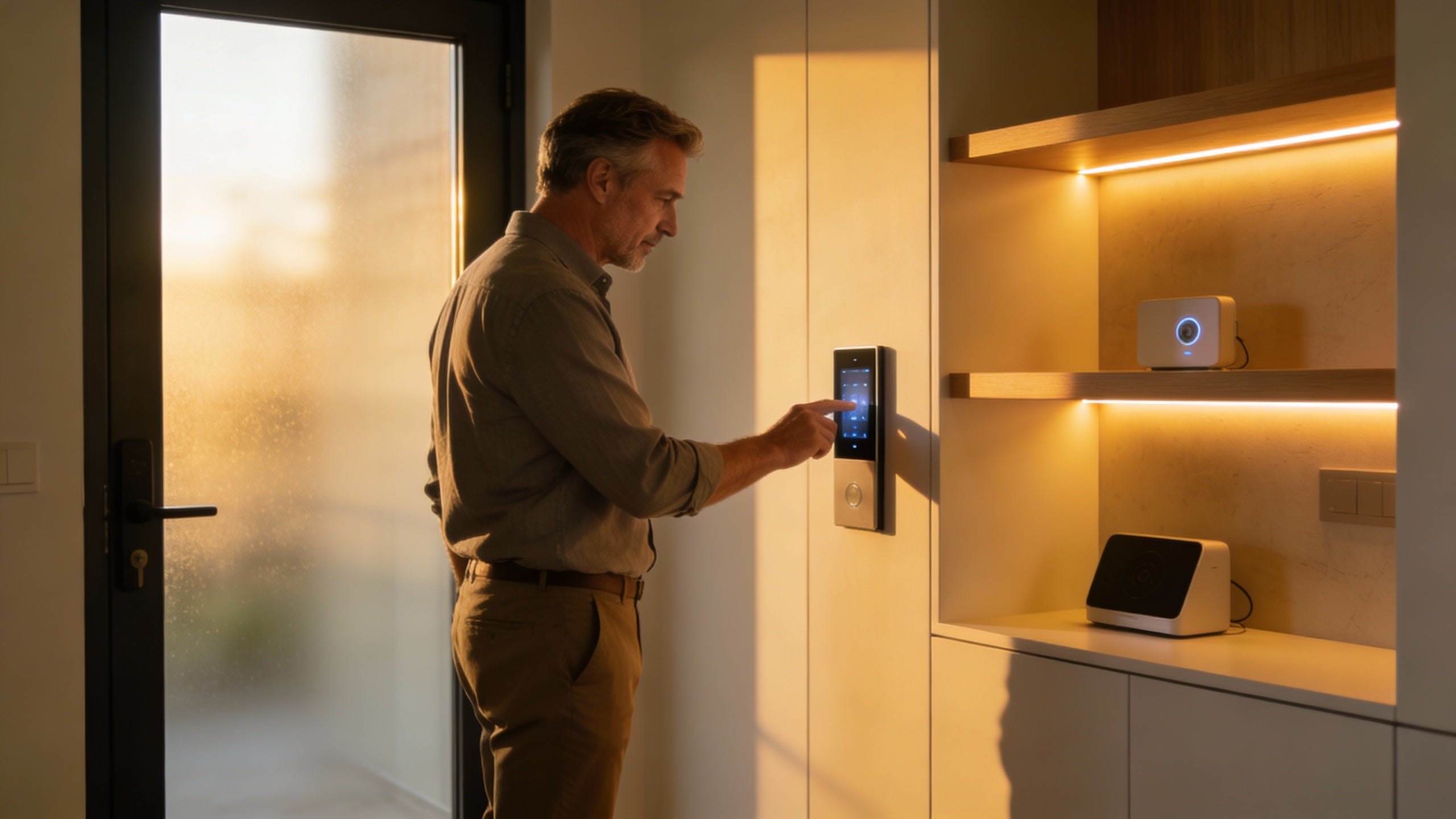
Summary: The practical way to link office lighting with access control is to put your badge system and your IoT-ready lighting on the same data platform, so when people badge in or out, lights respond automatically and you get clean, trustworthy occupancy and time data with less manual chasing.
Why Marry Lighting and Access Control?
If you run operations, your biggest quiet costs are usually energy, space you don’t really use, and messy time records. Tying lighting to access control hits all three at once.
IoT lighting providers like CLI Design, Enlighted, and Luminate Lighting Group consistently report lighting energy cuts in the 40–75% range when sensors and automation are fully used. If lights only come on when someone has actually badged into the space, that savings becomes predictable instead of “nice when people remember the switches.”
At the same time, your badge system already knows who should be in the building and when. When you combine that with the “where and how long” data from lighting sensors, you get a clear picture of actual attendance and occupancy without turning managers into professional hall monitors.

How the IoT Stack Actually Works
Under the hood, this is simpler than vendors make it sound. You need three building blocks:
- IoT-ready LED lighting: fixtures or drivers with occupancy and daylight sensors, plus networked controls.
- Access control: badge readers, smart locks, or turnstiles that generate real-time “grant/deny” events.
- A brain: a building management or IoT platform that can listen to access events and command the lighting.
Here’s the basic flow I see in real projects:
- An employee badges at the front door; access control grants entry and fires an event.
- The IoT platform or BMS receives that event and triggers a “welcome” scene: route lights on from door to their zone, task lights up at their workstation.
- Ceiling and fixture sensors continuously report occupancy and light levels; the system dims or shuts off areas with no movement.
- All of this is logged, so you can analyze patterns by person, team, zone, and time.
Vendors like Action Services Group, Electroscope, and Enlighted design lighting systems specifically to plug into these kinds of building data backbones via BACnet, APIs, or cloud dashboards.

High-Impact Use Cases for Small Offices
Linking lighting and access control doesn’t have to be futuristic. Aim at a few concrete wins:
- Clean time and attendance cross-checks: Compare “badge in/out” with “lights-on with motion detected” for each zone; flag obvious mismatches and buddy-punching for review instead of auditing every timesheet.
- Smarter overtime and after-hours rules: After 6:00 PM, keep lights at full only where someone is both badged in and detected by sensors; everywhere else drops to a safe, low level.
- Safer late-night access: A badge at a side door after hours automatically brightens the parking path, corridor, and that person’s floor; security sees both the access event and the lit path.
- Space and schedule optimization: Over a few months, lighting IoT data shows which rooms are barely used; you can shrink leased space, consolidate teams, or change cleaning schedules.
Nuance: Use lighting and access logs to sharpen payroll accuracy and scheduling, but keep a dedicated, compliant timekeeping system as your official record unless your HR and legal advisors say otherwise.

Implementation Plan: From Idea to Pilot
Think like an operations project, not a science experiment.
- Pick your outcomes: For example, “cut lighting energy by 40% on Floor 2” and “reduce timesheet disputes by 50% within six months.” If you can’t measure it, don’t wire it yet.
- Audit what you already own: List your current lighting controls, sensors, access control vendor, and whether you have a BMS. Many newer offices quietly shipped with IoT-capable lighting, as Stantec has pointed out.
- Choose an integration path:
- Single-vendor stack (lighting + access from one ecosystem), or
- BMS/IoT platform acting as a hub between existing lighting and access, or
- A lighting-focused platform (like those from Enlighted or Luminate Lighting Group) that ingests badge events via API.
- Pilot a contained zone: One floor, one entrance, one department. Run it for 60–90 days. Track energy use, timecard corrections, and any safety incidents before vs. after; payback periods of 18–36 months are common in the field.
- Standardize and roll out: Once the pilot numbers work, freeze the playbook: configuration templates, data feeds to payroll, onboarding steps for new employees, and who owns what (IT, facilities, HR).
Security, Privacy, and Policy Guardrails
AVIXA highlights an uncomfortable stat: roughly half of IoT devices in offices run outdated software or weak encryption. If you’re going to connect lighting and access control, you’re also connecting two critical systems an attacker would love.
Treat this as infrastructure, not gadgets:
- Put IoT lighting and access gear on segmented networks with strong, unique credentials.
- Make sure your vendors support encryption, regular firmware updates, and documented incident response.
- Define a clear policy with HR: what data you collect, how long you keep it, and how it will and will not be used for performance management.
Done right, linking lighting and access control through IoT turns your building into a quiet co-manager: lights, safety, and time data all lining up so you can stop chasing details and focus on the work that actually grows the business.

References
- https://upcommons.upc.edu/bitstreams/e2a573ad-a574-4949-8e52-f6be99ad96d2/download
- https://betterbuildingssolutioncenter.energy.gov/sites/default/files/attachments/IoT_Capabilities_Report_FINAL.pdf
- https://csl.fiu.edu/wp-content/uploads/2023/05/iot_enabled-1.pdf
- https://www.avixa.org/pro-av-trends/articles/iot-security-solutions-in-smart-office-environments
- https://www.commercial-lighting.net/smart-lighting-control-systems-for-commercial-buildings/


Share:
Best Cloud Attendance Strategies for Managing Multi-Location Offices
Problem Solving for HR & Admin: A Fixer’s Playbook