
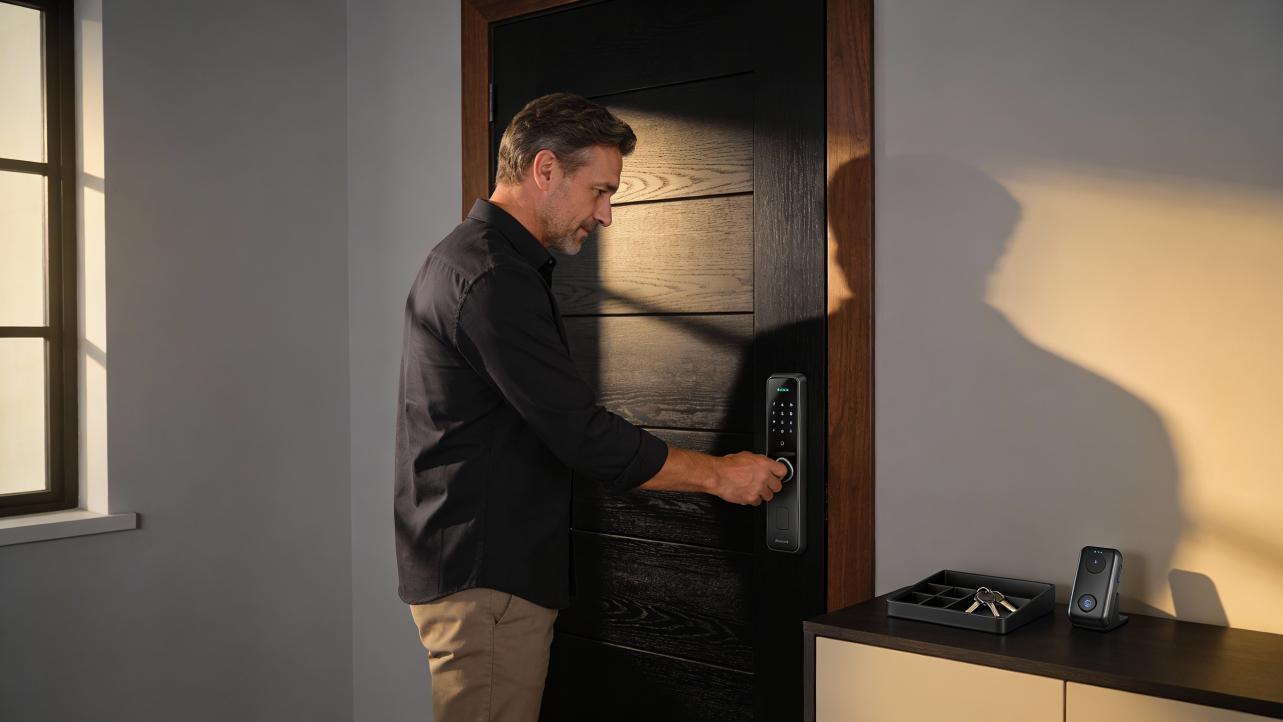
If your powered lock stayed shut during a blackout, this guide explains how fail-safe and fail-secure settings, backup power, and overrides determine what happens so your team is never locked out again.
Picture this: early Monday, the building is dark, your front door will not open, and your team is lined up outside refreshing their time-tracking apps because they cannot clock in. Every minute that door stays locked means lost labor, delayed orders, and a messy manual payroll correction later. When businesses spend even a couple of hours mapping how each lock behaves without power, outages turn from half-day crises into minor hiccups. The rest of this article walks through how to map your locks, test their behavior, and put backup plans in place before the next outage.
Why Your Door Stayed Locked When the Power Went Out
The first thing to understand is that not all "smart" or electronic locks behave the same way when the building loses power. Many residential smart deadbolts run on internal batteries, so they keep working normally when house power drops and function like basic keypads or Bluetooth locks during an outage. Guides on what happens to smart locks during power or internet failures note that battery-powered locks continue to accept codes even if Wi-Fi is down, as explained in What happens to a smart door lock when the power goes out and what happens when power and internet go out on a smart lock.
The trouble usually starts on business doors that are hardwired into an access control system: electric strikes in metal frames, magnetic locks at the top of doors, or wired keypads on glass storefronts. These depend on continuous electrical power from a low-voltage supply or control panel, not just internal batteries, so they change behavior dramatically when power is lost. Electric strikes, for example, are designed as electronic versions of a standard strike plate and can be wired to stay locked or unlock during outages; troubleshooting guides emphasize that their behavior under power loss depends on how they were configured from the start.
Behind the scenes, access control designers classify these locks as either fail-safe or fail-secure. Fail-safe locks require power to stay locked and will unlock when power is cut, so they are often used on emergency exits and doors where people must always be able to get out. Fail-secure locks stay locked when they lose power and only unlock when power is applied, which protects server rooms and storage areas but can block entry during an outage.
In other words, if your door remained locked during the blackout, it is likely that it is wired as fail-secure, the power supply feeding it went down, the lock's backup battery or UPS was undersized or dead, or the hardware was never set up according to the specification you were sold.

Step 1: Identify What You Are Dealing With
Before changing settings, you need to know exactly which hardware is on each critical door and how it gets power. This is where a quick, structured walk-through pays off.
Start with your main operational chokepoints: the door your staff uses to enter and exit for shift changes, any door that guards your time clock or time-tracking kiosk, high-value storage, and any space you must access quickly to restore operations (IT closet, communications room, point-of-sale back office). Open each door while the building has power, look at the frame and the top of the door, and note what you see.
If you see a magnet housing at the top of the door with a matching plate on the frame, you likely have a magnetic lock. These devices use an electromagnet to hold the door shut and require continuous power to stay locked; when power is cut, the magnet releases and the door should open freely. Guides on electromagnetic versus permanent-magnet locks, and discussions of magnetic locks losing power, note that electrically held locks drop open when power is interrupted and re-engage as soon as power returns, and that battery backup is the standard way to keep them engaged during short interruptions.
If you see a normal latch but the strike plate on the frame has wires going into the wall, that is an electric strike. It may be fail-safe or fail-secure depending on how it was ordered and installed. Electric strike troubleshooting guidance recommends verifying the correct voltage and wiring and notes that a given strike model can often be configured for either mode, which makes it essential to confirm how yours is actually set.
If you see a smart deadbolt or lever with a keypad and a visible battery compartment on the interior side, you are dealing with a battery-powered lock. Manufacturers explain that these locks use AA or similar cells and can run for many months without relying on building power, which is why they tend to keep working through blackouts. Discussions of how smart locks get power reinforce that battery-powered or rechargeable designs dominate on residential and many small-business doors.
As you walk, sketch a simple table on a notepad: door name, lock type, power source, and whether there is an obvious mechanical key override. That rough map will guide every decision you make next.

Step 2: Confirm Fail-Safe Versus Fail-Secure Behavior
Once you know the hardware and power, you need to confirm how each wired lock behaves when power disappears. This is not something to guess about from old installation notes or marketing claims, because real-world behavior can change between hardware revisions.
Access control specialists explain that fail-safe locks unlock on power loss, supporting safe evacuation but leaving rooms potentially exposed, while fail-secure locks stay locked and can trap people inside or keep staff out if there is no backup power or mechanical override. They stress the importance of deciding door by door which mode is appropriate based on traffic, emergency exit needs, and security sensitivity.
Here is a practical approach that respects safety and keeps the business running. Pick a low-risk door first, such as a storage room that is not part of your primary exit path. Schedule a quiet time, warn anyone who might be affected, unlock the door, and simulate a power loss to the lock. If the lock is on its own low-voltage supply, this might mean unplugging that supply rather than flipping a building breaker. When power is cut, try the door from both sides. If it swings freely with no credential, you have fail-safe behavior. If it stays locked and cannot be opened without a key or credential, you have fail-secure behavior.
While doing this, remember that some locks have built-in battery backups or are fed from a UPS or generator. Access control guidance notes that uninterruptible power supplies can keep locks and controllers running for 15 to 60 minutes and that some devices have their own local backup modules for longer outages. If your door stays locked or unlocked exactly as before when you cut mains power, you may be seeing backup power in action rather than the raw fail-safe setting.
Finally, do not assume the hardware in your hand still matches the spec sheet you saved years ago. In one case involving networked locks, a customer bought electric locks only after support confirmed they supported both fail-safe and fail-secure modes, then later discovered that newer revisions no longer behaved that way, even though seemingly identical units still did at another site. The customer argued that the product had changed specifications after purchase without notice and now failed to meet the original purpose, asking the vendor how they planned to resolve the situation. This experience is documented in a complaint about UniFi electric lock spec changes. The lesson is simple: always test what your current hardware does rather than relying on old promises.

Step 3: Check Backup Power and Mechanical Overrides
Even if a door is correctly set to fail-safe or fail-secure, you still need a way to keep operations moving when the lights go out. That means checking both backup power and manual fallbacks.
On wired locks, look for a low-voltage power supply box nearby, often in a back room or above a drop ceiling. Access control specialists recommend using reputable, properly rated power supplies and adding UPS units when uptime matters, with batteries sized so locks and readers can remain powered for at least a day where feasible. They highlight that dedicated backup modules and generators can keep access control and related systems such as CCTV online through longer outages.
At the same time, smart-lock manufacturers emphasize the importance of internal batteries and manual overrides. Guides on what happens to smart door locks during power and internet outages explain that most battery-powered locks continue to accept PIN codes and often include backup options like key cylinders, Bluetooth control, or temporary external power via a 9-volt battery so users are not locked out. Those behaviors are described in resources on what happens when power and internet go out on a smart lock and what happens to a smart door lock when the power goes out.
As an operations-minded owner or manager, you should verify three things for every critical door. First, confirm whether there is a physical key and that you know where it is during a blackout. Second, confirm whether the lock has a battery or UPS backup and when it was last tested or replaced. Third, decide who is allowed to use emergency overrides and make sure that group knows exactly how to do it before they are standing in the dark with employees waiting.
From a time and payroll perspective, this is not a theoretical exercise. If 10 employees earning $20.00 per hour spend 45 minutes stuck outside because no one can open the door, you have just lost $150.00 of productive time, plus the back-office time it takes to correct everyone's punch-in times. Multiply that by a couple of outages each year and the cost of a decent UPS or a scheduled battery-change program quickly looks like a bargain.

Step 4: Watch for Hidden Electrical and Mechanical Problems
Not every "door would not unlock in a power outage" story is purely about fail-safe settings. Sometimes, a lock behaves unpredictably because of wiring or mechanical issues that only become obvious under stress.
Electric strike and maglock experts emphasize that mechanical preloading is a frequent cause of failure: warped doors, swollen frames, misaligned hinges, and tight weather stripping can press the latch or armature so hard into the strike that the lock cannot release cleanly when energized. Troubleshooting guides recommend checking door and frame alignment, looking for signs of warping, and testing whether the door pops slightly when the handle is turned without pushing. These steps are discussed in resources on troubleshooting electric door strike problems and common causes of lock failure and how to prevent them.
Electrical issues are just as real. In vehicles, for example, technicians have traced strange power-lock behavior to damaged wiring where circuits cross a flexible harness, leading to situations where door locks click when window switches are used because the circuits are shorted together. A diagnostic case involving a Chevy highlighted that wiring short, not the lock actuators themselves, was the root cause, and that simply replacing fuses would not help until the damaged wires were repaired. That logic appears in an expert discussion of power door locks not working properly. In buildings, the same principle applies: if power feeds or control wires are damaged in a hinge, door loop, or junction box, a lock may not behave the way its design suggests, especially when voltage sags during an outage.
You should also think about what happens to your lock controllers when power returns. Electrical engineers warn that power surges — short spikes in voltage that often follow outages — can damage sensitive electronics, including access control panels and smart-home gear, sometimes instantly. Practical advice on surges stresses using quality surge protectors and, for critical systems, whole-panel protection to absorb excess energy and prevent premature failure. If your controller or power supply silently died during a surge when power came back, your lock might remain in the wrong state until someone notices.

How This Ties Back to Time Management and Payroll Accuracy
From an operations standpoint, locks are time clocks in disguise. If staff cannot get through the door, they cannot log in, start work, or serve customers, and you end up reconstructing their hours after the fact. The more manually you rebuild those hours, the easier it is for mistakes and disputes to creep into payroll.
A simple way to protect both access and payroll is to build a blackout workflow alongside your technical fixes. Decide in advance how supervisors will record arrival times if the main clock is unreachable, where paper or offline timesheets are stored, and how those records will be entered once systems are back. Align that plan with your lock map: make sure at least one entrance to any area with a time-tracking device has either a fail-safe lock, a reliable mechanical override, or a battery-backed smart lock that you have tested in an outage.
When you document your locks, add a column for "impact on time and payroll." A door that blocks your only time clock or your POS terminals is a higher priority than a closet, even if the hardware is identical. Use that ranking to decide where to invest first in backup power, mechanical overrides, or converting a door from fail-secure to fail-safe (or vice versa) in consultation with your security and life-safety requirements.

Frequently Asked Questions
Should every business door be fail-safe?
No. Access control experts recommend deciding door by door. Exterior doors on emergency escape routes and high-traffic exits are good candidates for fail-safe behavior, combined with mechanical hardware that still allows people to leave safely when power is down. High-security doors protecting cash, sensitive records, or critical infrastructure often need fail-secure behavior plus backup power and a tightly controlled mechanical override. The right answer is a mix that keeps people safe, protects assets, and maintains your ability to run the business.
How often should I test my doors for outage behavior?
A practical cadence is at least once or twice a year, and any time you change hardware, wiring, or access control software. Security specialists also recommend regular testing of batteries, UPS units, and generators so they actually deliver power when needed. For locks that are crucial to staff entry and time-tracking, you may want to incorporate a brief outage simulation into your broader emergency drills so everyone sees how doors behave and knows the manual fallback.
If my lock did not unlock in the last outage, do I need to replace it?
Not necessarily. In many cases, the fix is configuration, wiring, or backup power rather than ripping out hardware. Electric strikes can sometimes be reconfigured between fail-safe and fail-secure modes, and misaligned or preloaded doors can often be corrected with basic carpentry and hinge adjustments, as shown in guidance on troubleshooting electric door strike problems. If your lock's actual behavior no longer matches the manufacturer's current specification or the assurances you were given, you may need to escalate with your vendor, as illustrated in the UniFi lock case documented in electric lock spec change complaints. Replacement is usually the last step once you have ruled out configuration and support options.

Closing Thoughts
When a power outage exposes that a key door will not unlock, it is not just a nuisance; it is a direct hit to your schedule, your payroll accuracy, and your employees' trust that the building will work for them. Map your locks, confirm fail-safe and fail-secure behavior, and shore up backup power and overrides now, while the lights are still on. A single well-planned afternoon can turn the next blackout from a front-door fiasco into a non-event that your team barely notices.


Share:
Exit Button Not Working? Simple Test for Micro-Switch Failure
Video Intercom vs. Audio Only: Does a Small Office Need Video Features?