
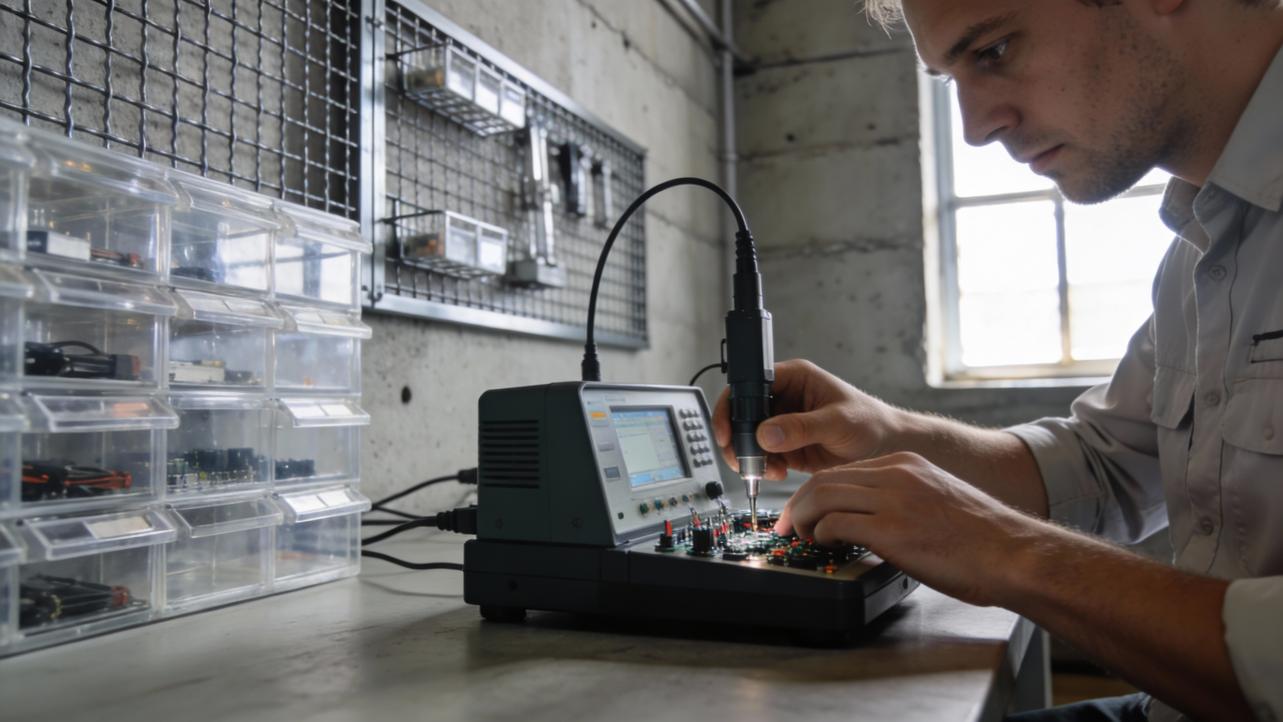
A stuck or unresponsive exit button is often a simple micro-switch problem that you can confirm in minutes with a safe bypass and a basic continuity test.
When the exit button on a controlled door suddenly stops working, it is easy to blame the whole access system, but most failures start with the small micro switch behind the plate. With a quick, structured test, you can tell whether the button is bad or the system is, and fix the right piece instead of guessing instead of swapping parts at random.
The usual story goes like this: your team is stacked up at the back door, waving at the camera because the green "EXIT" button does nothing, and now people are late clocking out and the shift change rhythm is blown. In access-controlled spaces, that little button is what actually tells the system to let people out, and when it fails you get delays, manual workarounds, and sometimes security exposure instead of a clean handoff between shifts. The good news is that a simple test sequence will show whether you are dealing with a micro-switch failure or a deeper controller, wiring, or lock issue, and you will know exactly what to hand off to a technician.
Why the Exit Button Matters
On an access-controlled door, the exit button is usually a push-to-exit or request-to-exit device that tells the system to release an electric strike or magnetic lock so people can leave without a key or credential. That is why guides on push to exit buttons treat them as critical safety and code components rather than accessories. Push to exit buttons provide the manual "let me out now" option that complements card readers, motion sensors, and door hardware on the entry side.
When these buttons are paired with mag locks or emergency release hardware, they are part of the life-safety chain that must still work during power issues, alarms, and evacuations. Emergency exit buttons and door release switches are designed to override electronic locks for rapid egress. Emergency exit buttons that are not reset or maintained correctly can either fail to unlock in an emergency or leave a door unsecured afterward, which is why troubleshooting is not just about convenience.
For a small business, a bad exit button also shows up on the operations dashboard: people held up at a locked door create late punches and manual corrections, and staff responding to "door will not open" calls is time not spent on customers or production. Treat the exit button as core infrastructure, not decor, and plan to maintain and test it the same way you do other critical devices.

How Micro-Switches Fail in Exit Buttons
Inside most push-to-exit devices is a small mechanical contact assembly that does the actual switching when someone pushes the plate or button. Industrial push button makers describe the same core pieces: an actuator, housing, contact mechanism, and terminals designed to open and close a low-voltage circuit reliably. Industrial push buttons are built to take abuse, but their internal contacts and mechanics still wear over time.
Common failure modes across access control and industrial environments include contact wear, contamination, and mechanical sticking, all of which can leave a button unresponsive or intermittent. Guides to common industrial push button failures point to worn or dirty contacts causing contact failure, debris or a bent spring causing the actuator to stick, and loose or miswired terminals producing erratic behavior or no response. Descriptions of switch failures recommend power-off inspection, cleaning, and contact replacement when damage is evident.
On access doors specifically, exit switches also fail from wiring and power issues around the button, not just inside it. When a door exit switch stops working but its indicator light is on, troubleshooting advice from access control vendors is to inspect the wiring between the switch terminals (often labeled PUSH and GND) and confirm that the power supply and connections are sound before blaming the lock. Door exit switch troubleshooting emphasizes that loose conductors, bad power, and environmental stress can all make a healthy switch appear dead.
As these components age in high-traffic, dusty, or humid spaces, small businesses see exactly the symptoms you may be dealing with now: you have to press harder, the button only works sometimes, or the indicator LED lights yet the door never releases. Those are classic signals that it is time to test the micro-switch rather than keep letting staff "slam it harder."

Quick Decision: Is It the Button or the System?
Before touching any wires, the goal is simple: find out whether the problem is inside the button's micro-switch or in the rest of the access control system. Access control and industrial troubleshooting checklists all start the same way: make the setup safe, then isolate the smallest piece you can test directly. Industrial push button troubleshooting advises beginning with visual inspection and wiring checks, then verifying continuity through the switch with a meter, which is the same logic you will follow here.
Step 1: Make the Door Safe and Stable
Free egress and safety come first, not speed. If the door is currently held locked by an electric strike or mag lock, the lock must be released before you work. That might mean using mechanical hardware, unlocking through your access control software, or powering down the lock circuit at the panel so people can move through the door freely. Guides to emergency and panic hardware stress that life-safety devices should be maintained and tested by qualified professionals and that any service work should avoid compromising code-required exits, which is why vendors of panic bars and exit devices warn non-specialists away from deep repairs. Panic bar troubleshooting advice repeatedly recommends calling trained technicians for critical adjustments.
Once the door can open freely and alarms are silenced or properly bypassed, clearly tell staff the door is under test so nobody assumes normal security is in place. A short-term "checkerboard" shift pattern where one manager controls that door while you test for ten minutes is far better than a surprise lockout.
Step 2: Bypass the Button at the Wires
With the door safe, you can run a simple functional test that access control manufacturers themselves recommend: temporarily bypass the exit button at its wire pair and watch what the door does. Troubleshooting notes from access control vendors describe disconnecting the button and briefly shorting together the two conductors that normally land on the exit input. If the system clicks and the door unlocks when the wires touch, then the lock, power supply, and controller are working, and the fault is in the switch body or its immediate wiring. Door exit switch guides explain that a broken or deformed switch should be replaced once wiring is confirmed.
Think of this as simulating a perfect button press. If the door still refuses to open even when the wires are directly joined, you have just saved time by proving the micro-switch is not the main suspect. The problem is likely in the controller configuration, time schedules, or lock power path, which you can hand off to your access control vendor or integrator. If the door opens smoothly when you short the wires, you have strong evidence that the micro-switch or button housing is the culprit, and you can move to a more precise test.
Step 3: Continuity Test on the Micro-Switch
The next step is to test the button by itself, out of the system, which is exactly how industrial switch guides tell you to confirm whether a push button's contacts are still switching electrically. Troubleshooting literature for industrial push buttons recommends powering down, disconnecting the switch, and using a multimeter to check continuity across the contacts while pressing and releasing the actuator. Continuity testing of switches is a standard way to separate mechanical problems from wiring or controller issues.
Once power is off and the button is removed from the wall or plate, locate the two terminals that correspond to the Normally Open contact used for door release. Connect your meter leads to those two terminals in continuity or resistance mode, then press and release the button several times. A healthy micro-switch will show a clear change each time you press, typically from "open" to "closed" (or from infinite resistance to near zero), while a failed micro-switch often shows no change at all, or wildly intermittent readings even when you press the same way. That pattern matches the contact failure behavior described for worn industrial push buttons.
If the continuity test behaves correctly but the button feels gritty, sticks, or mechanically catches, you are likely dealing with mechanical contamination rather than pure contact failure. In those cases, industrial maintenance guidance suggests careful cleaning and inspection, but warns that a damaged reset spring or cracked housing should mean replacement, not endless tinkering.

When to Clean, When to Replace, When to Call a Pro
Once you have run the bypass and continuity tests, you know where the problem is, and the next decision is how far you want your team to go. For simple, non-alarmed push-to-exit buttons in clean environments, industrial push button maintenance guides describe a basic process: power down, open the housing, blow out dust with compressed air, gently wipe accessible contact surfaces, tighten loose terminals, and reassemble, followed by another functional test. Maintenance recommendations emphasize mild cleaning, correct re-termination, and routine function tests to keep operator devices reliable.
If you see obvious physical damage, such as a cracked actuator, deformed button, or contacts that are discolored or pitted, switch manufacturers and access control writers agree that replacement is the right move, not repeated resets. Guidance on emergency exit buttons notes that units that remain loose, sticky, or unresponsive after cleaning should be replaced with a compatible, code-compliant model rather than nursed along, because unreliable behavior creates both safety and security risk. Emergency exit button reset advice also recommends replacement when buttons stay loose or fail to respond after maintenance attempts.
For panic bars, emergency exit buttons tied into fire alarm systems, and doors that are obviously part of a required egress path, commercial door hardware suppliers are very clear: do not attempt deep repair if you are not trained and licensed. Their troubleshooting articles may describe common symptoms and checks, but they repeatedly state that only qualified professionals should adjust or repair life-safety hardware, both for liability and for real occupant safety. Panic bar troubleshooting discussions stress professional service and regular inspections rather than do-it-yourself fixes to critical exit devices.
The practical operational playbook looks like this: let your internal maintenance or IT team do the safe tests and low-risk cleaning on basic buttons. If the tests point to controller, lock, or power problems, or the door is part of a fire-rated path, move quickly to your access control or door hardware vendor with clear notes on what you observed. That minimizes downtime, protects safety, and keeps your staff away from work they are not supposed to touch.

Operational Impact: Time, Payroll, and Compliance
From a business perspective, treating a broken exit button as "just a facilities issue" underestimates the ripple effects. When staff cannot leave through the normal door, they detour through a different exit, wait for someone with a key, or cluster around a stuck panic bar, and those minutes stack up into late clock-outs, manual time punches, and friction in handoffs between shifts. The same maintenance habits that industrial push button manufacturers recommend, such as scheduled inspections, electrical checks, and documented tests, pay off directly in smoother operations and fewer timekeeping exceptions that managers must clean up later. Routine inspection advice underscores that catching wear and wiring issues early reduces downtime.
There is also a security and compliance angle. Emergency exit button guides warn that a faulty or un-reset button can leave a door either failing to release or staying unlocked after use, both of which create regulatory and liability exposure. Emergency exit button articles highlight that these devices sit at the intersection of safety and security, and that neglecting maintenance can lead to non-compliance with life-safety standards. When managers insist on periodic functional testing of exit devices along with fire drills and emergency light checks, they are protecting both people and the business.
If you already maintain emergency lighting, you have a good analogy: an emergency light that stays on all the time after a battery swap points to a wiring or control fault and demands systematic troubleshooting rather than guesswork, and safety writers urge non-electricians to call a pro when wiring or control modules are suspect. Emergency light troubleshooting follows the same pattern of structured checks followed by professional help when needed, which is exactly the playbook you should use for exit buttons.

A Simple Decision Table for Busy Operators
You can fold all of this into a short decision table you or your facilities lead can keep with your access control documentation.
What you see |
Quick test result |
Likely cause focus |
Typical next move |
Button does nothing, door silent |
Wire bypass opens door |
Micro-switch or button body |
Replace or clean the button |
Button LED on, door never releases |
Wire bypass does nothing |
Controller, lock, or power |
Call access control or door vendor |
Button works only sometimes or with hard pushes |
Continuity reading intermittent |
Worn or dirty contacts |
Clean or replace; add routine checks |
Button feels sticky, does not spring back cleanly |
Continuity OK but bad feel or mechanical jam |
Mechanical wear or debris |
Clean if simple; replace if still sticky |
This is not a wiring diagram; it is an operations tool to keep you from guessing about where to focus time and budget.

FAQ
Can you safely leave an exit button bypassed for a while? Using a temporary jumper at the exit button input is a fine ten-minute diagnostic step, but leaving it that way defeats the purpose of having a locally operated release and can break your security and life-safety strategy. Access control and emergency button resources stress that devices must reset properly so doors secure and release as intended, not stay permanently in one state. Plan to restore correct button control or alternative compliant hardware as soon as you finish testing.
Should non-technical managers be doing these tests? The bypass and continuity tests described here are basic, low-voltage checks that mirror what industrial and access control guides expect a competent maintainer to do, but not every manager wants to be near a screwdriver and meter. If you are not comfortable working around electrical devices, or if the door is clearly tied into fire alarms, panic hardware, or high-security areas, treat your job as scoping the problem: document symptoms, note whether other doors and buttons behave normally, and then get your vetted technical partner involved.
A dead exit button does not have to be a mysterious "door is broken" problem. A quick, safe test of the micro-switch and a simple decision on clean, replace, or escalate turns a frustrating bottleneck into a one-time fix, and that keeps your people flowing, your time records clean, and your doors doing their job instead of stealing minutes from every shift change.


Share:
Door Didn't Unlock During a Power Outage? Check Fail-Safe Settings
Video Intercom vs. Audio Only: Does a Small Office Need Video Features?