
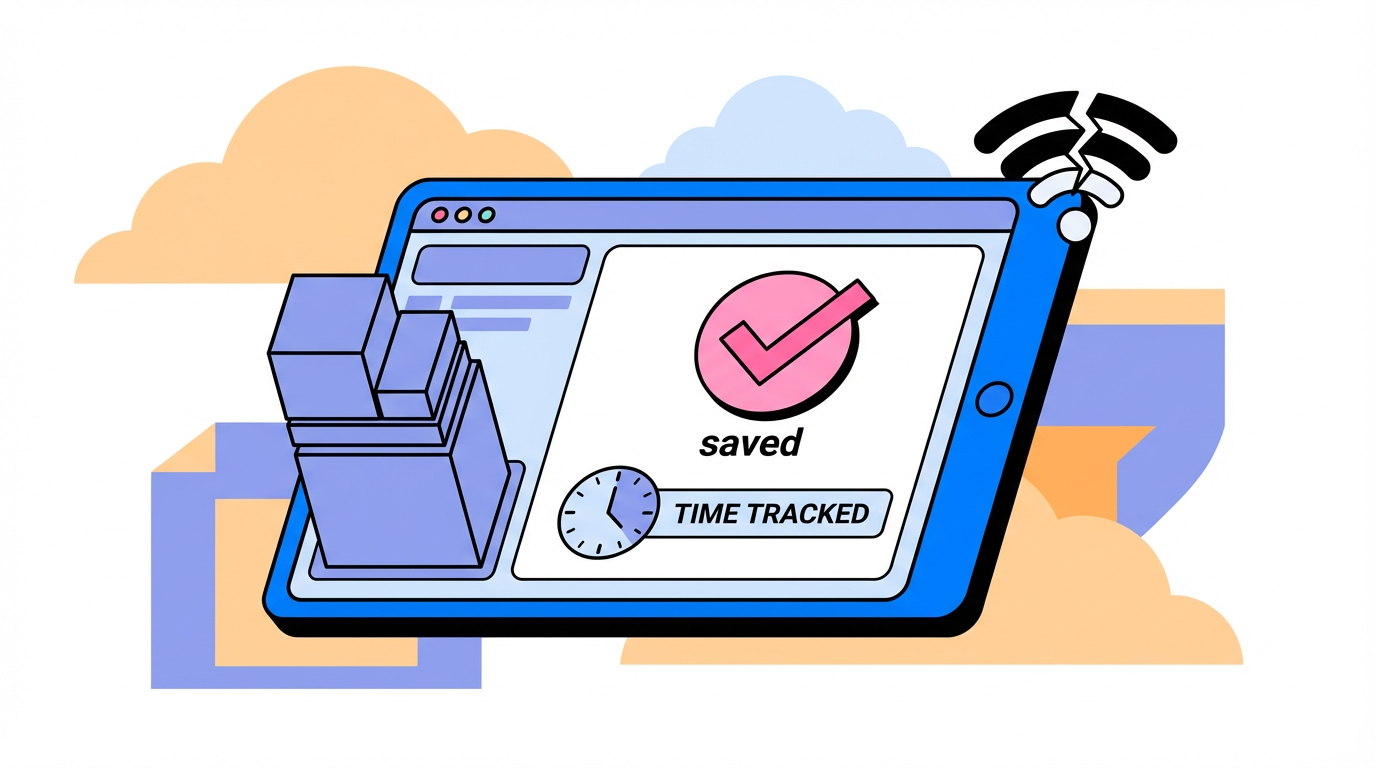
Smart time clocks can keep recording punches during outages if offline capture is real and reliable. This guide shows how to define offline behavior, verify it, and protect payroll.
When Wi-Fi drops in the middle of a rush, people keep clocking in and you need to know whether those hours are safe. Systems that keep recording time without the internet and guide people through missed clock-ins keep the record usable even during short outages. You get a clear way to judge offline claims, understand the tradeoffs, and test your setup before payroll day.
What a smart time clock is and what "offline" should mean
A smart time clock is time clock software that records attendance and automates routine steps like reminders, handling missed entries, and blocking the wrong next action. That automation trims admin work and keeps timesheets cleaner.
A comparison of tools lists offline tracking as a feature for some tools, which is your cue to verify how time is captured during a connection drop and how it appears in the timesheet afterward. If the router reboots at 4:00 PM, you want clock-outs accepted and visible once service returns.

Browser add-ons are limited; time tracking browser extensions only monitor activity inside the browser and do not capture offline work, so they cannot replace a true time clock for hourly teams. A prep shift away from a browser will never show up.
Why the clock keeps time even when the internet does not
A clock measures time using an internal oscillator, so basic timekeeping does not depend on a live network connection. That is why a wall clock keeps ticking when Wi-Fi is down.
LED digital clocks rely on a crystal oscillator and microcontroller, making them simple and reliable for time display, and smart time clocks build on that same idea. If power stays on, the device still knows the time; the operational question is how it records and exports punches.
Pros, tradeoffs, and payroll impact
Capturing time accurately and securely is critical, and time clock systems should support payroll processing, compliance tracking, and HR integrations so the data flows instead of getting retyped. For a multi-site business, a clean handoff into payroll keeps the weekly approval cycle moving.
Smart features like automated reminders and mistake prevention help keep time records consistent, especially when someone misses a clock-in or tries the wrong action. A prompt to clock back in after lunch can prevent a half-day gap.
Proof-of-work options such as screenshots or GPS can boost confidence, but privacy trade-offs need a clear policy and employee communication. A small in-office team may decide a shared kiosk is enough accountability.
Offline mode is only as reliable as the device and app, and a review notes mobile stability issues that can affect real-world adoption. If phones are the primary clock for field staff, run a pilot under your actual signal conditions.
How to verify offline readiness before you buy
Run a short outage drill
Guidance on upgrading time clocks often recommends an outage drill; in real rollouts, that drill is the fastest proof. Turn off Wi-Fi for 15 minutes during a normal shift change and check whether clock-ins are accepted and then show up once connectivity returns.
Check the payroll handoff
Reliable offline punches only matter if they land cleanly in payroll, and exportable reports with payroll rules are what make that possible. If payroll closes Friday at noon, confirm the report includes the offline punches without manual math.
Watch for browser-only gaps
Browser-only tracking has blind spots because time tracking extensions record web activity but do not capture offline work. A stockroom shift away from a browser will look like zero hours.
Choosing the right offline setup for your team
Some smart clocking platforms offer hardware terminals that keep working during power or Wi-Fi issues, and that approach fits fixed locations where people can share a kiosk. A front-desk device can keep clock-ins moving even if the router reboots.
Setup type |
Offline reality |
Best fit |
Watch for |
On-site kiosk or terminal |
Some terminals keep working during power or Wi-Fi issues and still capture punches |
Fixed locations with steady foot traffic |
Device reliability and clear usage rules |
Mobile app with offline mode |
Offline-capable mobile tracking with data sync for real-time visibility when connected |
Field teams and contractors moving between sites |
App stability and permission settings |
Browser extension only |
Tracks browser activity only and misses offline work |
Web-based desk roles that live in browser apps |
Gaps for offline tasks and non-browser work |
For mobile or contractor-style teams, offline-capable mobile tracking that ties time to projects keeps client billing and payroll aligned without forcing everyone onto a shared kiosk. A contractor bouncing between sites can still log time by project even when signal is weak.

Smart time clocks can work when the internet is down, but only if offline capture is real and the device is reliable. Run a short outage test, confirm the payroll handoff, and choose the least complex setup that still protects accurate pay.


Share:
Hybrid Work Era: The Evolution of Access Control in 2026
What Is Multimodal Biometrics? Why It's Safer Than Single-Mode