
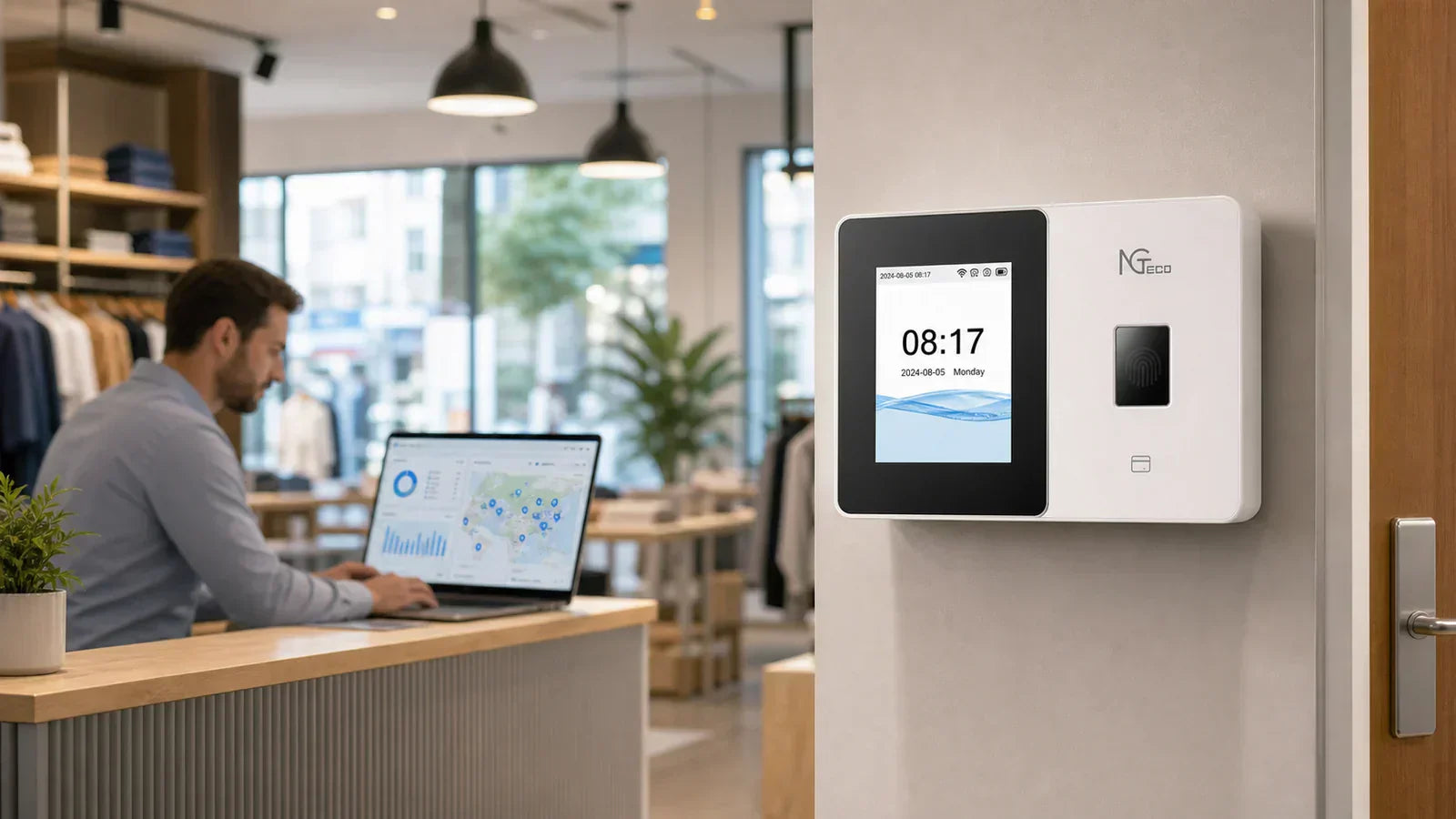
Running a team across two or three sites means clock-in records live in different places, and that makes a simple question hard to answer: who is actually working right now? The right attendance machine pulls those records together so you can see every branch from one spot.
Why Do Multi-Location Teams Outgrow One Site Records?
Because the records get scattered across sites, so no single place that tells you who is working.
At one site, you watch the door yourself. Across branches, that breaks down:
- Records arrive in pieces: a spreadsheet on Friday, a photo of a sheet, a branch that forgets until you ask.
- Managers track differently: one is strict on start times, another lets things slide, so the numbers don't match.
- Temporary staff slips through: people who move between sites end up in two or three separate records nobody pulls together.
When Paper, Cards, and Spreadsheets Stop Working
Each old method has a weak spot that grows once you add branches:
- Paper sheets get lost, smudged, or filled in from memory.
- Punch cards can be handed to someone else.
- Spreadsheets depend on the right numbers being typed at the right time.
Any of these can work at one site with the owner watching. Across branches, the gaps multiply, and you spend your week chasing records instead of reading them.

Why Do Workers Clock In for Each Other?
Because a coworker covers for someone late or absent, and shared cards or PINs make it easy.
It usually starts small: someone runs ten minutes late and asks a coworker to punch in for them. Those minutes add up, and across sites you can't easily spot it.
- The weak point: a shared card or PIN can be handed to anyone, so the record lies about who was there.
- The fix: a fingerprint or face can't be passed along, so the name on the record is who actually showed up.
This matters most for temporary staff. When people move between sites, you can't recognize every face yourself.

What Should an Attendance Machine Show You?
Once records come in cleanly, the next question is what you actually need to see. A good attendance machine doesn't bury you in data. It surfaces the few things that help you act:
- Who clocked in and at which site
- Daily totals so you can spot a short or long day
- Weekly totals ready to review without manual math
- Late arrivals are flagged so patterns are easy to catch
- Missed punches that need a quick fix
When this sits in one view, your weekly review takes minutes. You scan, you catch what's off, and you move on.
That's the difference between an attendance machine that informs you and one that just collects punches.
How to Handle Missed Punches
Missed punches happen. Someone forgets to clock out at the end of a shift, and that leaves a gap that makes the day's hours unclear.
The goal is to catch it early, not at the end of the period when memories have faded. A simple habit keeps every branch handling them the same way:
- Review by location each week, so no gap is left to pile up.
- Confirm the correct time with the manager on site.
- Fix it while it's fresh, following one shared rule for corrections.

How Does a Cloud Time Clock Help Across Branches?
It sends every branch's records to one account, so you can check them yourself instead of waiting on each site.
Instead of asking each branch to send files, you open an app or a web login. The records are already there.
You can see who clocked in across every site from your phone, compare branches side by side, and catch a missing record on Tuesday instead of finding out on payday.
A local manager still helps with the day-to-day. But you no longer depend on them to see the full picture, because every site's records flow up to one account.
Your Multi-Location Setup Checklist
The secret to multiple locations isn't more features. It's the same rules everywhere.
Use this checklist to set up branches that stay consistent:
- Name each location clearly so every record shows where it came from.
- Set one clock-in policy that applies to every site, not a different habit per manager.
- Give managers review rights for their own branch so corrections happen close to the source.
- Train staff who move between sites so they clock in the same way everywhere.
- Check missed punches by location as a weekly habit.
- Plan for internet hiccups by choosing machines that keep recording offline and sync later.
Get these basics aligned, and the rest follows. The locations that cause headaches are almost always the ones running by a slightly different set of rules.

Which Time Clock Fits Each Location?
Match the punch method to the room, then pick the NGTeco model that fits.
A machine that's perfect at a front counter may be wrong in a workshop. So don't put the same device everywhere.
| Location type | Common issue | Better fit | NGTeco model |
| Retail counter | Busy, fast lines | Face or card for a quick, no-touch punch | MB1 or TC1 |
| Repair shop | Dirty or gloved hands | Face recognition, since fingerprints can fail | TC3 or NG-TC5 |
| Office branch | Steady, indoor staff | Fingerprint or face works well | TC1 |
| Event booth | Temporary crew, no fixed desk | A battery-powered machine you can move | TC2 or K4-B |
| Small warehouse | Spotty WiFi | A machine that stores punches offline | AS10 |
Letting each branch pick the punch method that suits its space keeps clock-ins fast and accurate, which means cleaner records with less fuss.
How NGTeco Helps Small Multi-Branch Teams
NGTeco cloud connected time clocks are built to give a small multi-branch team one clear view. Put a machine at each site, and here is what it does for you:
- It helps you see every branch from one place. You review everyone from a single app or web login, so you no longer wait for each site to send its numbers.
- It can use different punch methods at different sites. You pick a face, fingerprint, or card to suit each space, instead of forcing one method everywhere.
- It keeps recording when the WiFi drops. Select machines store punches fully offline and sync once the connection is back, so a shaky network won't cost you a day of records.
- It protects your data through a power cut. A built-in battery on select models keeps the machine running until the power returns.
- It saves you a monthly fee. Core features come free, so the cost stays in the machine itself.
Pick your machines by branch size, by the punch method that fits each space, and by how much visibility you want as the owner.
Each site gets the right tool, and you get one clear view of all of them.
See Every Branch Clearly
Multi-location teams don't need more scattered sheets. They need one way to see records as they happen.
Set the same rules at every branch first. Then choose the attendance machine that fits each space, and the weekly chase turns into a quick review.
FAQs about attendance machines
Q1: How much does an attendance machine cost for a small business?
Most small business time clocks run from around $100 to $300 as a one-time purchase. The price depends on how many people you track and which punch methods you want, like fingerprint, face, or card. NGTeco machines keep core features free with no monthly fee.
Q2: Does an attendance machine need internet or WiFi to work?
Not always. Some machines store punches locally and work fully offline, while WiFi-connected ones let you check records remotely from an app. With NGTeco, certain machines keep recording even when the network drops and sync once it's back.
Q3: How do employees clock in without buddy punching?
Use a method tied to the person, not a shared code. Fingerprint or face recognition confirms the right employee is actually there, so no one can punch in for a coworker. Cards and PINs are easier to share and harder to police.
Q4: Can I track attendance for more than one location with one account?
Yes. Put a cloud-connected time clock at each site and review everyone from a single app or web login, so you don't wait for each branch to send files. You see who clocked in and where, all in one place.
Q5: How many employees can one time clock handle?
It varies by model, often from 100 to 500 users on one machine, with room for tens of thousands of records. Pick based on your headcount per site. NGTeco machines range across these sizes, so each branch can match its own team.


Share:
Facial Recognition Time Clock vs Fingerprint Time Clock: Which Fits Your Workplace?
Event Staff Time Tracking: How to Manage Temporary Workers Across Pop-Ups, Trade Shows, and Busy Weekends